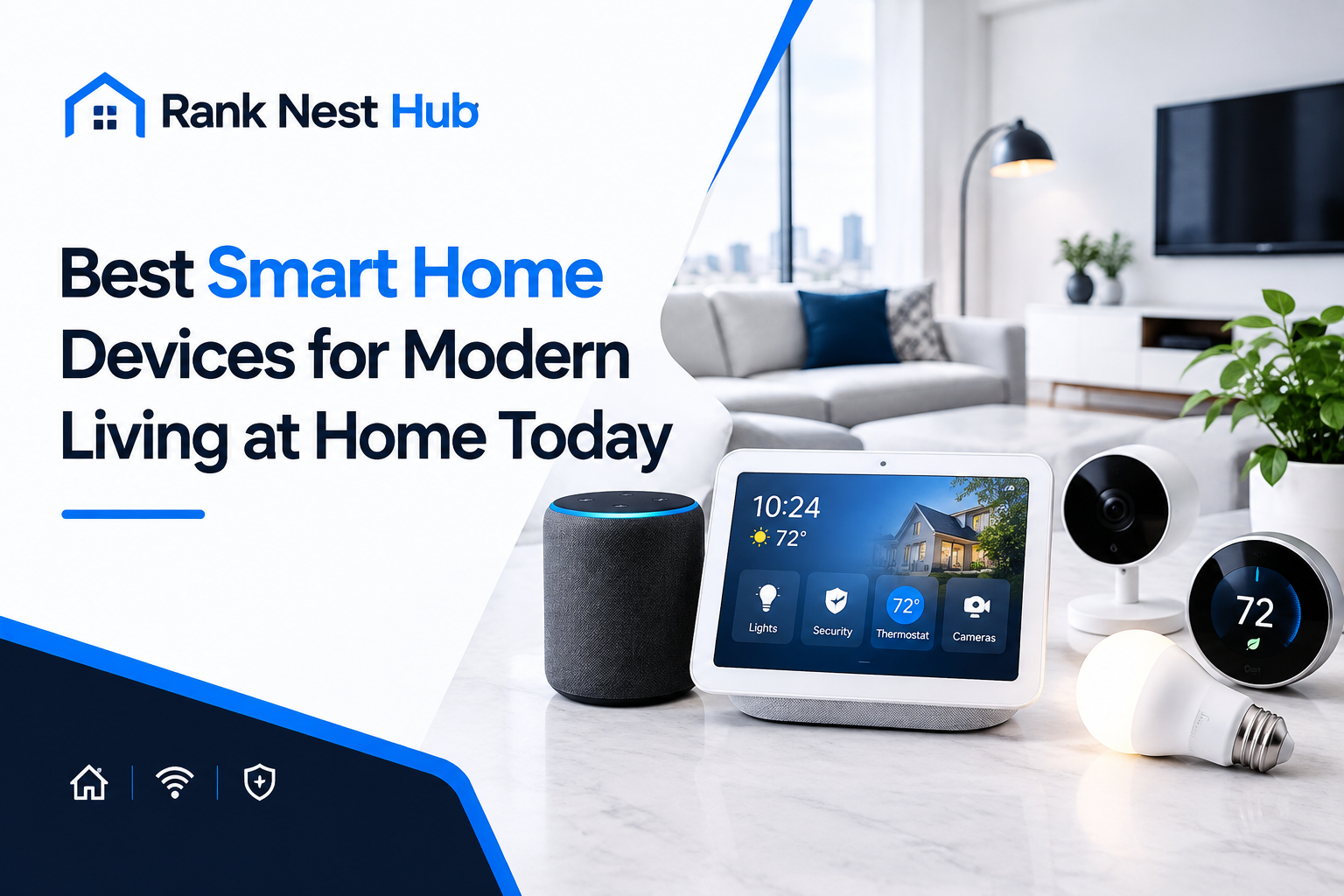

The right smart home elderly parents living alone setup starts with one device, not ten. If your mum or dad lives on their own, the goal is not a house full of gadgets. It is a home that quietly helps with the three things that worry families most: falls at night, unanswered doors and long quiet hours alone. More than one in four older adults report a fall each year, according to National Safety Council analysis of CDC data. This guide builds the setup in a gentle order, with real UK prices. For a wider look at what a connected home can do, see our roundup of the best smart home devices for modern living.

Smart Home for Elderly Parents Living Alone: Start With the Problem, Not the Gadget
Before you buy anything, write down the two or three things that are hardest for your parent right now. Getting to the bathroom safely at night is a different problem from forgetting to turn the heater off, and each one points to a different device. A parent who forgets keys needs a keypad lock, not a fall sensor. A parent nervous about strangers needs a video doorbell, not a robot vacuum. One well-chosen device that gets used every day beats a house full of technology that nobody touches, so talk through the list with your parent too.
Which Device Should You Buy First? A Smart Display
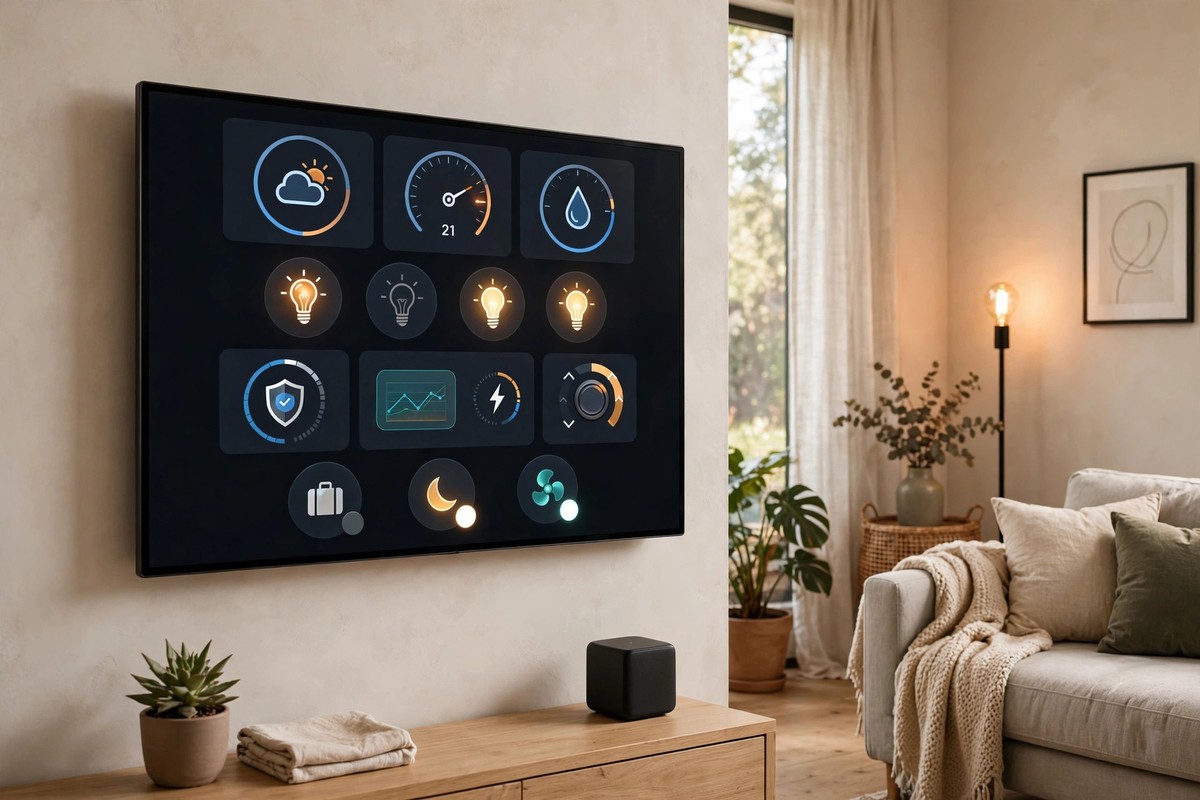
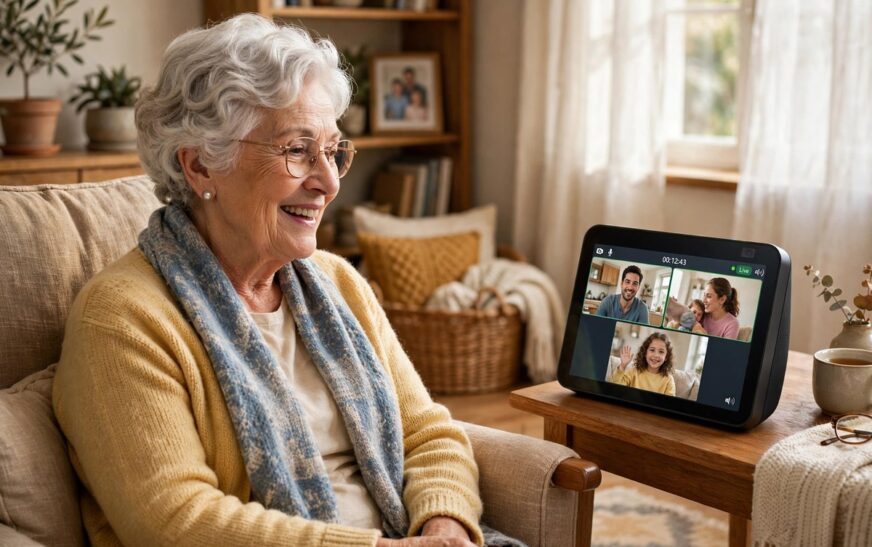
Buy one smart display first, and build everything else around it. The Amazon Echo Show 8 (3rd gen) costs £149.99 and does four jobs at once: voice assistant, video calling screen, photo frame and control point for the lights, plugs and doorbell you add later. Your parent can say “Alexa, call Sarah” and reach family without finding a phone, and you can use Drop In to start a video call from your own phone. The 8-inch 1280 x 800 screen is easy to read from across the room, and the 13MP camera has a physical shutter that slides closed. It also works as a smart home hub for Zigbee, Matter and Thread devices, so later additions need no extra hub.
How Do You Stop Night-Time Falls? Motion Lighting
Most falls at home happen on the way to the bathroom in the dark, so lighting is the cheapest safety upgrade you can make. A Philips Hue White starter kit, two E27 bulbs plus the Hue Bridge, costs £79.99 and lets you set a simple rule: when motion is detected in the hallway after 10pm, the lights come on at a dim warm level and switch off again after a few minutes. No switch to find, no dark hallway to cross. Add a Hue motion sensor in the bedroom doorway and the bathroom, and the path lights itself. If the full Hue system feels like too much for a first step, plug-in sensor night lights cost a few pounds each, need no app and switch on by themselves when it gets dark.
Who Is at the Door? A Video Doorbell
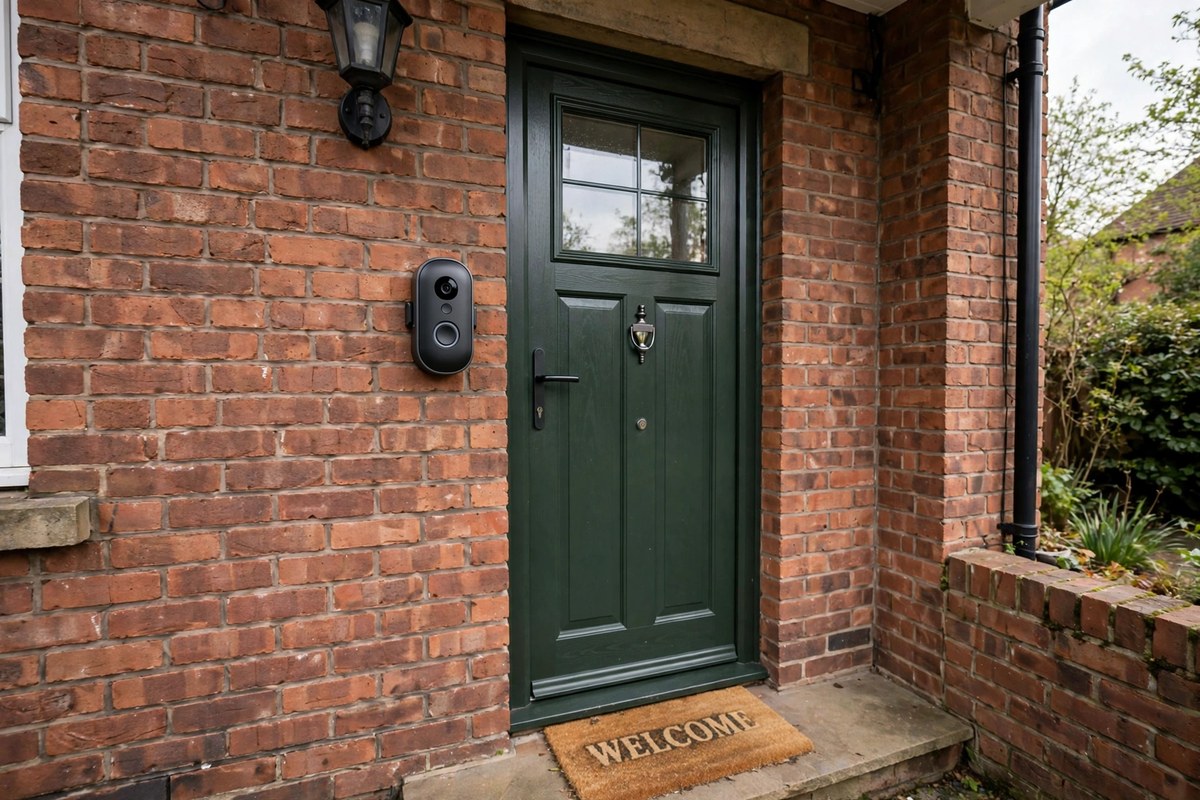
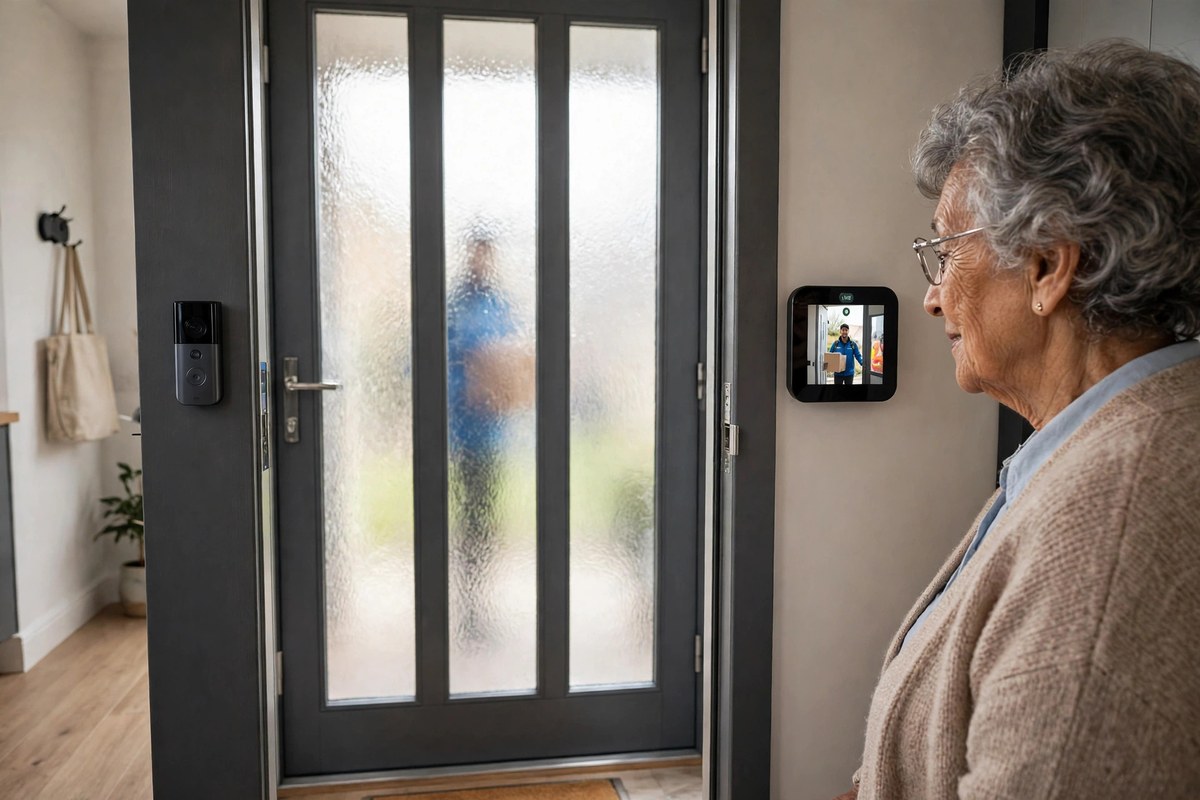
A video doorbell solves a specific worry: a parent who rushes to the door, or opens it to someone they cannot see. The Ring Battery Doorbell 2K costs £79.99, runs on a rechargeable battery so there is no wiring to arrange, and when someone rings, the live video appears on the Echo Show 8 as well as on your phone. Your parent can see and speak to the visitor without leaving their chair, and you can see the same feed from wherever you are. That helps with scam callers and unexpected visitors. Video history needs an optional subscription, but live view and two-way talk work free. For the full comparison of subscription-free options, see our guide to the best video doorbell without a subscription in the UK.
What If They Lose Their Keys? A Keypad Smart Lock
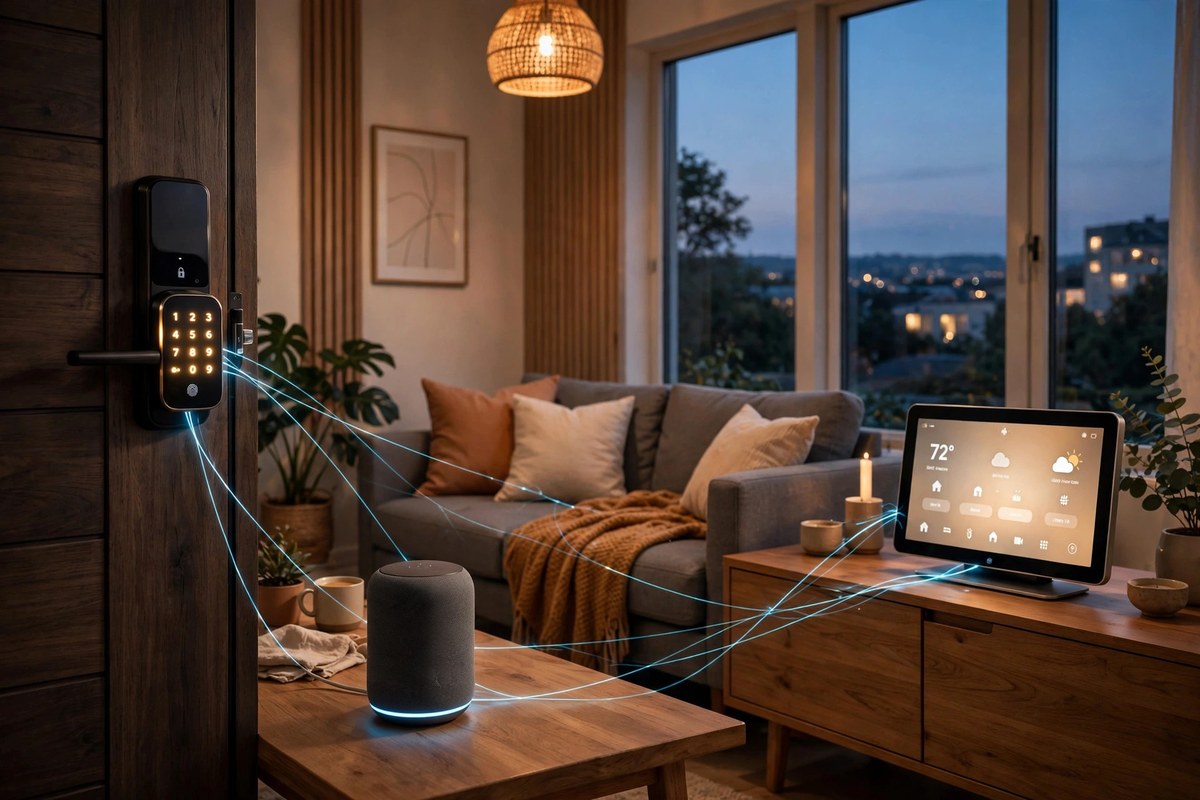
Lost keys are a weekly event in many older households, and a lockout on a cold evening is more than an inconvenience. A keypad smart lock, such as the Yale Assure Lock 2, replaces the key with a code your parent can remember, with a different code for each family member or carer. You can lock it remotely if your parent forgets, and give a cleaner a temporary code that stops working after their visit. The door locks itself behind your parent, so there is no more standing on the doorstep wondering whether they remembered. For more on choosing the right lock, including renter-friendly options that need no drilling, see our guide to the best smart lock for renters.
What Happens If They Fall and Cannot Reach a Phone?
Here is the honest limit most gadget lists skip: no speaker, doorbell or light can call for help on its own. An Echo Show cannot dial 999, and a smart smoke alarm can alert your phone but someone still has to act on it. For a parent who lives alone and could fall, the device that actually gets help is a wearable with fall detection. The Apple Watch SE (2nd gen) costs £219 for the 40mm GPS model, and it is often £179 in sales at Currys. Its fall detection can sense a hard fall and then call emergency services and message your emergency contacts automatically. It needs charging every day or two, so charge it on the bedside table overnight. Pair it with connected smoke and carbon monoxide alarms, which sound in the house and send an alert to your phone at the same time.
Heating, Medicine and the Small Daily Wins
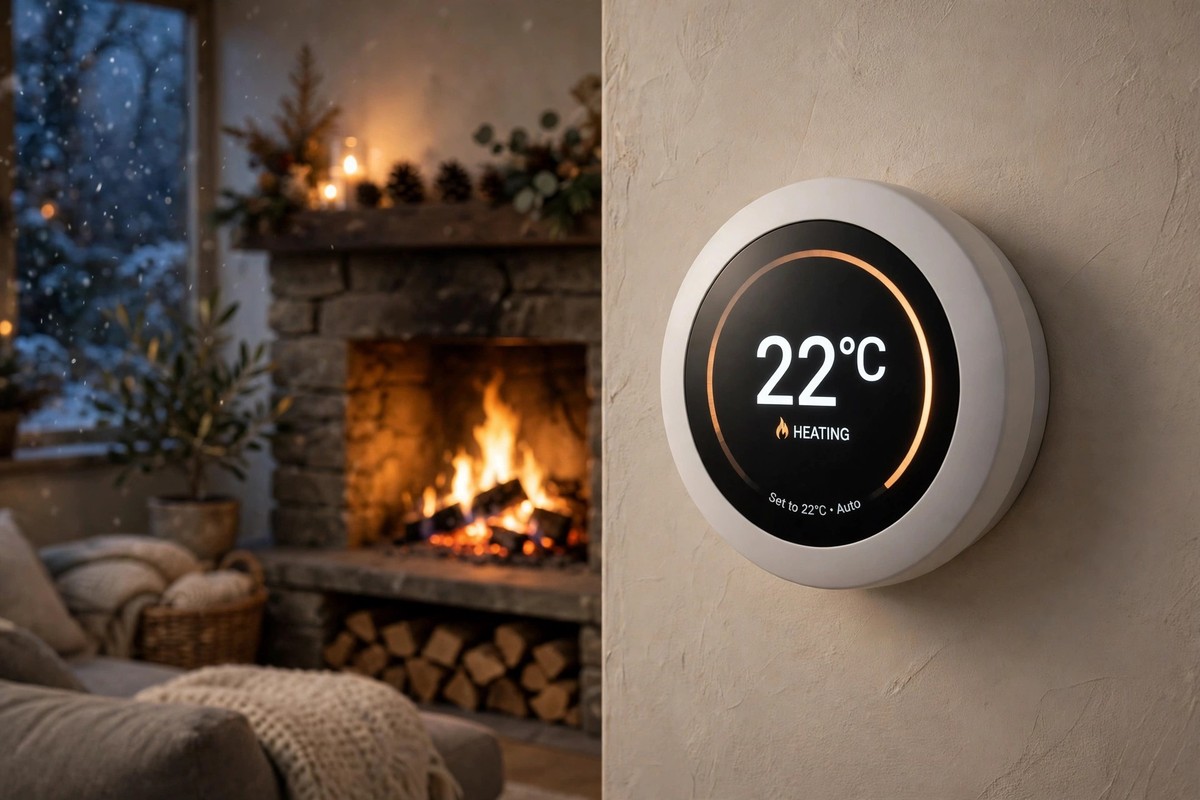
Once the safety basics are in place, the same display can quietly take over the small daily jobs that get harder with age. A smart thermostat keeps the house steady without anyone having to work out a programmer. The Google Nest Learning Thermostat (4th gen) costs $279.99 in the US and is often discounted to around $219.99, and it learns the household routine, so the heating comes on before your parent gets up and eases back when they go out. For medicine, set a spoken reminder on the Echo Show, “Alexa, remind Mum to take her tablets at 9am”, and it repeats daily. Smart plugs do the same job for safety. Put the heater or the iron on a smart plug set to switch off at 10pm, and the worry about an appliance left on disappears. For help picking a thermostat that suits a UK boiler and radiators, see our guide to the best smart thermostat for UK homes.
A Gentle Setup Plan: One Device, One Visit, One Card
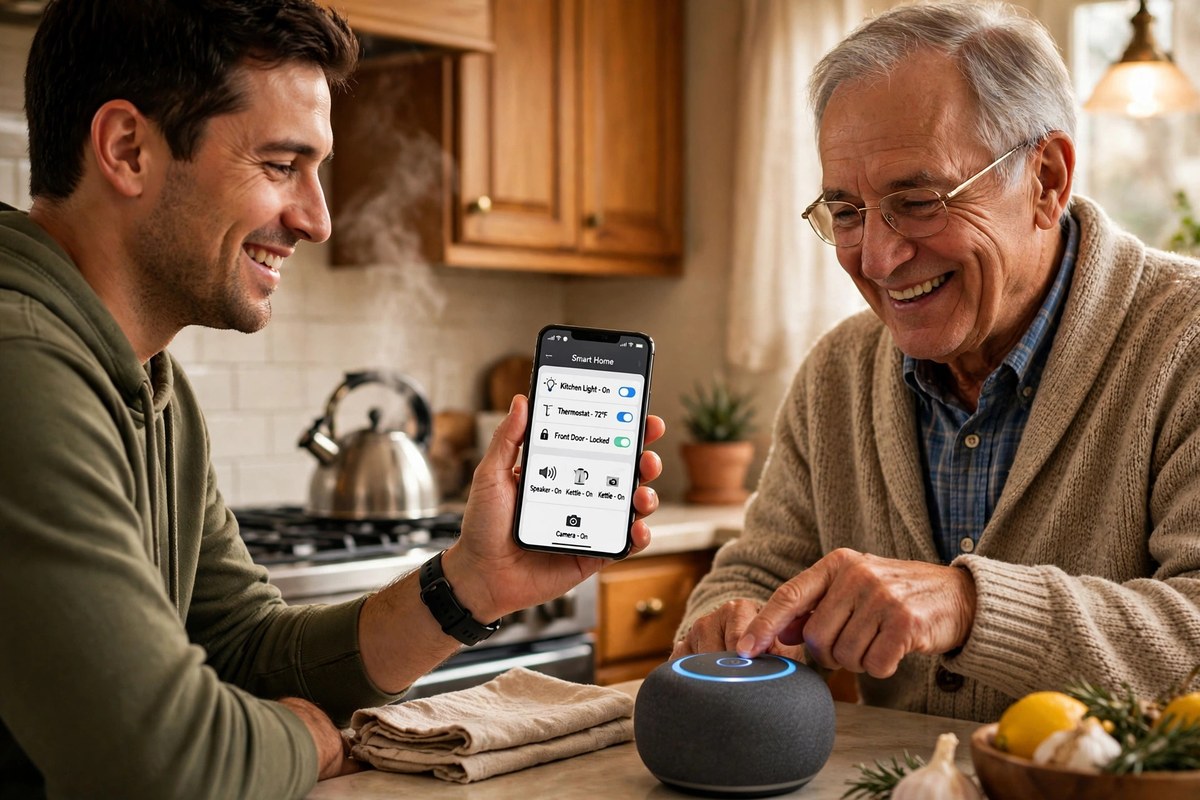
How you install the setup matters as much as what you buy. First, check the Wi-Fi before you buy anything. Most smart home devices need the 2.4 GHz band, and some newer routers hide it, so check the signal reaches the front door and the kitchen. Second, pick one voice assistant and stay with it. Mixing Alexa, Google and Apple devices means three apps and three accounts that do not talk to each other. Third, do the setup yourself on one account, on a visit, and name things plainly in the app, “bedroom lamp” and “front door”, so the commands are obvious. Fourth, write the five commands your parent will actually use on a laminated card beside the Echo Show: “Alexa, call Sarah”, “Alexa, turn on the hallway light”, “Alexa, what time is it”, “Alexa, play Radio 2”, “Alexa, show me the front door”. Fifth, add one new device every week or two, so each one becomes familiar before the next arrives. And before any camera or sensor goes in, have the privacy conversation and agree what it does, who sees the alerts and how to switch it off. The Alzheimer’s Society guide to using technology is a useful reference for choosing assistive technology with consent, especially if memory is starting to change.
What Does It Cost? A Realistic Starter Budget
The full starter kit, with prices checked on 7 November 2026:
| Device | What it solves | Typical UK price |
|---|---|---|
| Amazon Echo Show 8 (3rd gen) | Voice calls, reminders, control point | £149.99 |
| Ring Battery Doorbell 2K | Seeing and speaking to visitors | £79.99 |
| Philips Hue White starter kit | Night-time lighting that switches itself on | £79.99 |
| Apple Watch SE (2nd gen, 40mm GPS) | Fall detection that calls for help | £219 |
The full kit comes to £528.97, but nobody needs to buy it all at once. Start with the Echo Show 8, add the doorbell or lights next month, and add the watch when the budget allows. Subscriptions are optional: the live view, alerts, calls and voice control all work without paying anything.
Conclusion
A smart home elderly parents living alone can rely on is a small one. One smart display, lights that switch themselves on at night, a doorbell that shows who is visiting and a watch that can call for help cover the problems that worry families, without turning the house into a surveillance system. Start with the Echo Show 8, add one device at a time, and ask before you install anything that watches or listens. The best setup is the one your parent barely notices, because it just makes the day a little easier and the night a little safer.
Frequently Asked Questions
Can a smart home really help an elderly parent living alone?
Yes, for everyday safety and connection. Lights that come on by themselves reduce night-time falls, a video doorbell means no rushing to the door, and a smart display makes calling family as easy as speaking. It cannot call for help on its own, so pair it with a fall-detection wearable such as an Apple Watch SE.
Do smart home devices for elderly parents need a subscription?
Mostly not. Voice calling, Drop In, doorbell live view, motion alerts, the lock, the lights and the thermostat all work without a subscription. The paid extras are saving doorbell recordings and professional monitoring.
What is the best first smart home device for an elderly parent?
An Amazon Echo Show 8. It is one screen, one voice and one app, and it gives your parent something useful on day one: voice calls, spoken reminders and control of every device you add later. At £149.99 it is also the cheapest way to test whether your parent enjoys the technology.
What if my parent does not want cameras in the house?
Then do not install them. Indoor cameras are the one device most older people object to, and a setup imposed against their wishes rarely lasts. The Echo Show 8 has a physical camera shutter that slides closed, the Ring doorbell only films the front step, and the rest of the setup, lights, locks, plugs and fall detection, needs no camera at all.
What happens if the Wi-Fi goes down?
Most of the setup pauses, but nothing dangerous happens. The lights still work from the wall switch, the Yale lock still opens with its keypad code, and the Apple Watch can still call for help over its own mobile connection if it is a cellular model. Keep the traditional switches and keys as backups.