

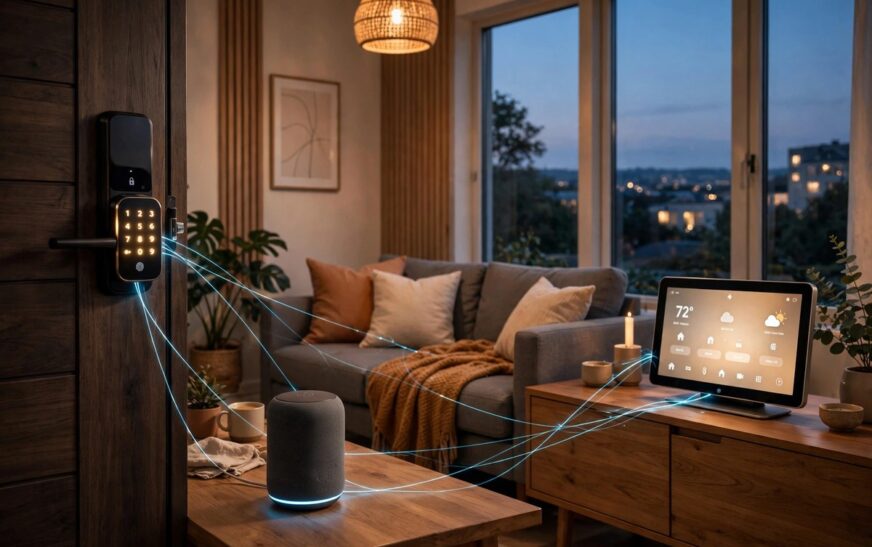
If you have seen Matter vs Thread smart home explained in a confusing way before, you are not alone. These two words appear on nearly every smart device box in 2026, and mixing them up can mean buying the wrong hub or wondering why a new sensor will not pair. Here is the plain version: Matter is the common language smart devices speak, and Thread is the low-power wireless mesh network that carries the conversation. This guide breaks down what each one does, how they work together, and the simple checklist to follow before you buy. Here at RankNestHub we keep the jargon out and the practical advice in.
Matter vs Thread Smart Home Explained in Plain Terms
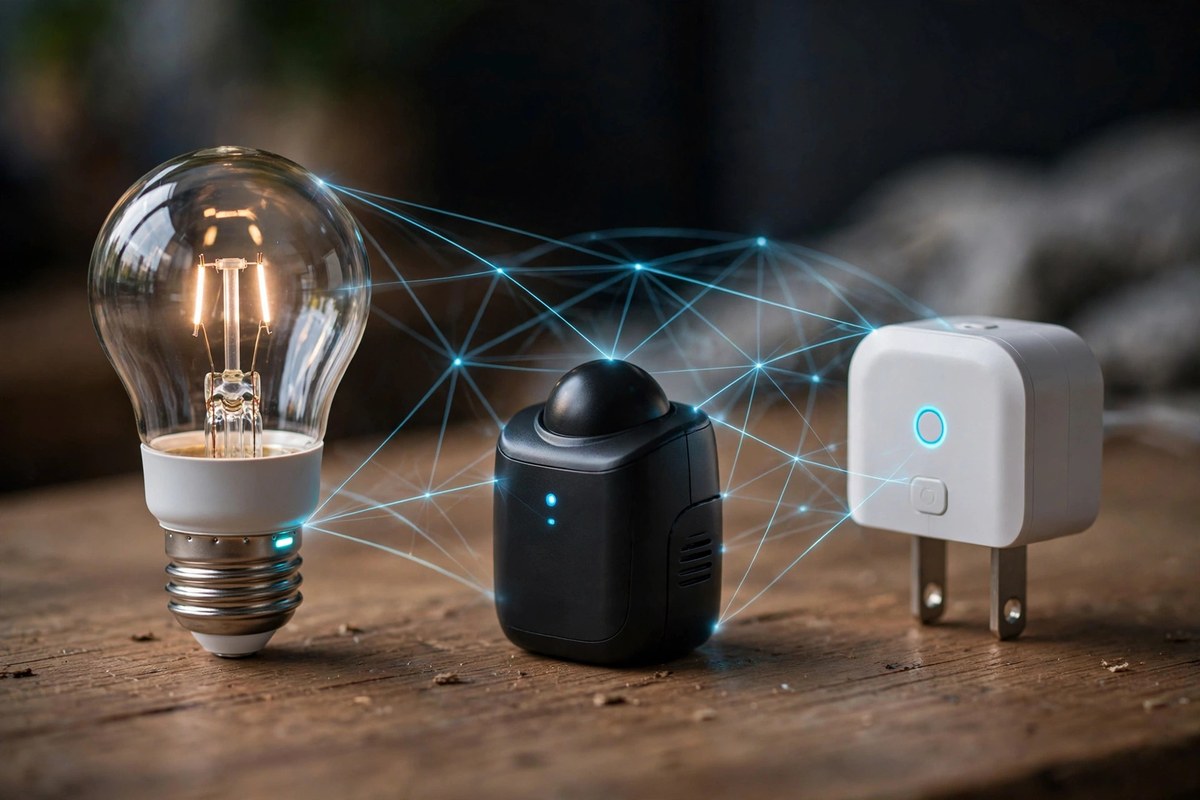
Think of a smart home like a group chat. Matter is the language everyone agrees to speak, so Apple, Google and Amazon devices can all join the same conversation. Thread is the road the messages travel on: a quiet, low-power wireless mesh. They solve different problems, and in most 2026 smart homes they work as a team rather than as rivals.
What Is Matter?
Matter is an application-layer standard created by the Connectivity Standards Alliance, the industry group backed by Apple, Google, Amazon and Samsung. It defines what devices say to each other: on, off, dim, lock, unlock, set temperature. Because it is IP-based, a Matter-certified bulb works with Apple Home, Google Home, Alexa and SmartThings at the same time, with no brand lock-in.
Matter can run over Wi-Fi, Ethernet or Thread: plugged-in devices such as smart plugs and displays usually use Matter over Wi-Fi, where power is not a concern. The standard keeps moving too. Matter 1.5 (November 2025) added cameras, soil moisture sensors and energy management, and Matter 1.6 (June 2026) added NFC-based setup and better status reporting. When you shop, the Matter logo on the box is what guarantees cross-platform compatibility.
What Is Thread?
Thread is the network layer underneath: a low-power wireless mesh built on the IEEE 802.15.4 radio standard at 2.4 GHz, with every device getting its own IPv6 address. Each mains-powered device relays messages for its neighbours, so the network heals itself: if one node drops offline, traffic reroutes automatically. The more Thread devices you add, the stronger the mesh becomes.
Thread is optimised for battery-powered devices. A Matter-over-Thread smart lock can run for a year or more on one set of batteries, where the same lock on Wi-Fi would drain them in weeks. Because Thread devices talk to each other locally, your automations keep running even when the broadband drops.
Matter vs Thread: Side-by-Side Comparison
The table below puts the two side by side, so you can see at a glance why they are partners rather than competitors.
| Feature | Matter | Thread |
|---|---|---|
| What it is | Application-layer standard (the language) | Network-layer protocol (the road) |
| Job | Defines what devices say to each other | Carries the messages between devices |
| Power use | Depends on the transport underneath | Ultra-low power, ideal for batteries |
| Network type | Runs over Wi-Fi, Ethernet or Thread | Self-healing wireless mesh |
| Works without internet | Yes, control stays local | Yes, local mesh keeps running |
| Best for | Cross-brand compatibility | Sensors, locks, buttons, bulbs |
| Extra hardware | A Matter controller (your hub or speaker) | A Thread border router |
How They Work Together: Matter Over Thread
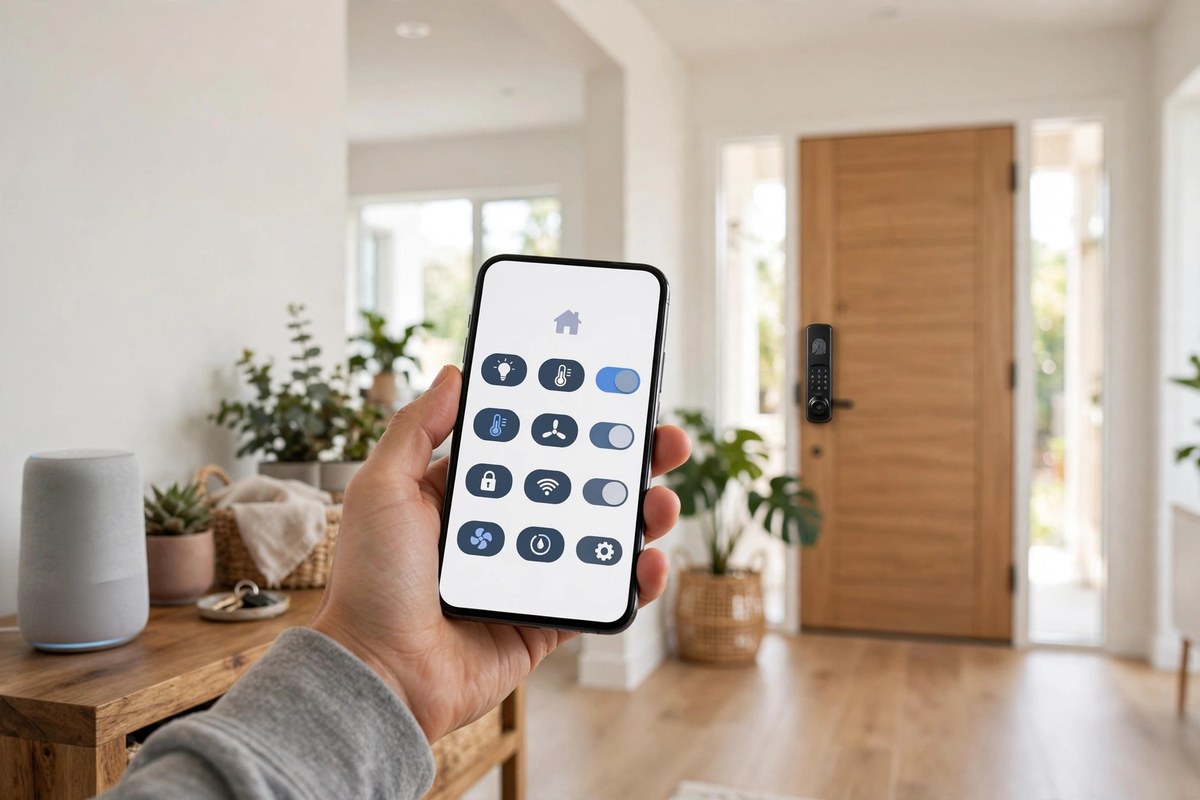
“Matter over Thread” simply means Matter messages carried over a Thread network. In practice, a 2026 home mixes both transports: always-powered gear (displays, plugs, thermostats) runs Matter over Wi-Fi, while battery gear (sensors, locks) runs Matter over Thread. Because both speak Matter at the application layer, they appear side by side in one app, so your Thread sensors and your smart thermostat can share automations even when the broadband drops.
Do You Already Own a Thread Border Router?
A Thread border router bridges the Thread mesh to your home Wi-Fi network, so your phone and your Thread sensors can reach each other. Many everyday devices include this radio without advertising it loudly. Check your home for any of these: a HomePod or HomePod mini, an Apple TV 4K (the 128 GB third-generation model; the cheaper Wi-Fi-only model lacks Thread), a Google Nest Hub, Nest Hub Max, Google TV Streamer or Nest Wifi Pro, an Amazon Echo (4th gen), Echo Show 8, 10, 15 or 21, Echo Hub or Echo Studio, an eero router, a Samsung SmartThings Station or hub, an Aqara Hub M3, or a Homey Pro.
Multiple border routers can coexist, and that is a good thing: if one goes offline, another takes over. Many Echo speakers and displays, including the Echo Hub, already include a Thread border router, as detailed in our Echo Hub vs Echo Show 8 comparison. Before buying any Matter-over-Thread device, open your Apple Home, Google Home or Alexa app and confirm at least one border router is active.
What to Check Before You Buy in 2026
First, look for the logos on the box: the Matter logo (it looks a little like an asterisk) guarantees cross-platform compatibility, and the “Built on Thread” mark tells you the device needs a border router.
Second, keep the box. The QR setup code printed on the packaging is how you add the device to your home, and replacing it later is a chore.
Third, confirm your border router situation before buying battery-powered Thread devices. If you have none, a HomePod mini or a current Echo device is the simplest fix.
Fourth, do not throw away working Zigbee gear. A Matter bridge, such as the Philips Hue Bridge, IKEA Dirigera or Aqara Hub M3, brings older Zigbee devices into Matter. You may lose a few advanced features that only the native app offers, but basic control and automations carry over.
Fifth, familiarise yourself with multi-admin. Most Matter devices can be paired to two or three platforms at once, so register each new device in your two favourite apps for redundancy.
Conclusion
With Matter vs Thread smart home explained properly, the buying decision is simple. Choose Matter for compatibility: it is the language that ends brand lock-in. Choose Thread for the network behind your battery devices: the low-power mesh that keeps sensors and locks responsive. Check the logos, confirm you have a Thread border router, and bridge rather than replace older gear.
Frequently Asked Questions
Is Matter the same as Thread?
No. They work at different layers of the stack: Matter is the application-layer standard that defines what devices say to each other, while Thread is the network-layer protocol that carries those messages over a low-power mesh. A Thread device is not automatically Matter-compatible; it needs Matter software on top.
What does “Matter over Thread” actually mean?
This is the most common real-world example of Matter vs Thread smart home explained in practice. It means Matter messages are carried over a Thread wireless mesh instead of over Wi-Fi. Battery-powered devices like sensors and locks use Matter over Thread to save power, while plugged-in devices usually run Matter over Wi-Fi. Both appear together in your smart home app.
Do I need a Thread border router to use Matter devices?
Only for Matter-over-Thread devices. Wi-Fi and Ethernet Matter devices work with your normal router and a Matter controller, but battery-powered Thread sensors and locks need at least one border router. Check your existing gear first: a HomePod mini, Apple TV 4K (128 GB model), Nest Hub, Google TV Streamer or many Echo devices already do this job.
Will my older Zigbee devices work with Matter?
Yes, through a Matter bridge. The Philips Hue Bridge, IKEA Dirigera and Aqara Hub M3 translate Zigbee accessories into Matter, so they show up in Apple Home, Google Home and Alexa. You gain multi-platform visibility, but may lose advanced features that only the manufacturer’s own app supports.
Should I buy Matter devices now or wait?
Buy now. The standard is mature at version 1.6, the Connectivity Standards Alliance reports over 1,200 unique certified products, and cameras joined as a native device type in Matter 1.5. Check for the Matter logo, confirm a Thread border router for battery devices, and keep the setup QR code from the box.






1 Comment
[…] buy any specific model assuming it is Matter-certified. Check the product page first, and read our Matter vs Thread explainer if you want to understand what that certification actually […]