
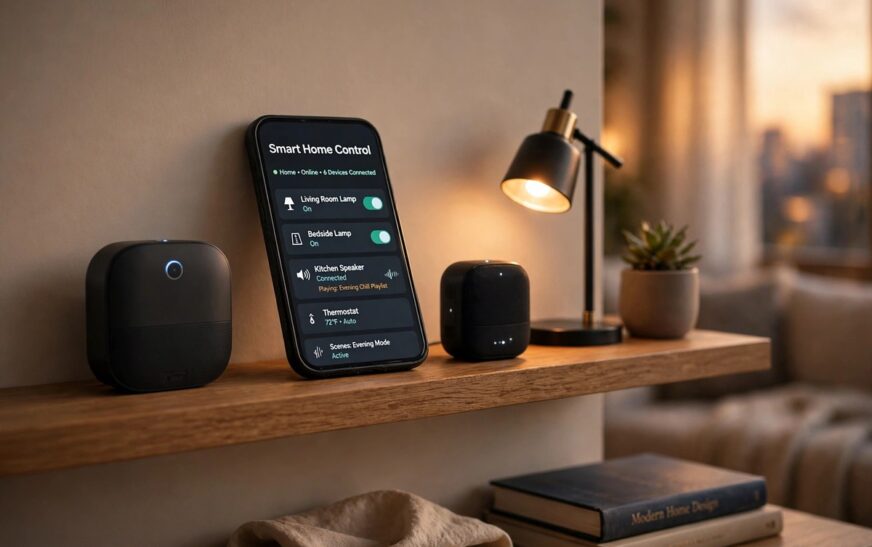
Choosing the best smart home hub 2026 buyers actually need is simpler than the box labels suggest. A hub is the one brain that lets your lights, locks, sensors and thermostat work together in a single app, instead of living in six separate apps on your phone. Without one, a new sensor may not talk to an old bulb, and an automation may stop the moment your broadband drops. This guide compares five hubs, explains Matter and Thread in plain terms, and helps you pick the right brain for the home you already have.
Best Smart Home Hub 2026: The Short Answer
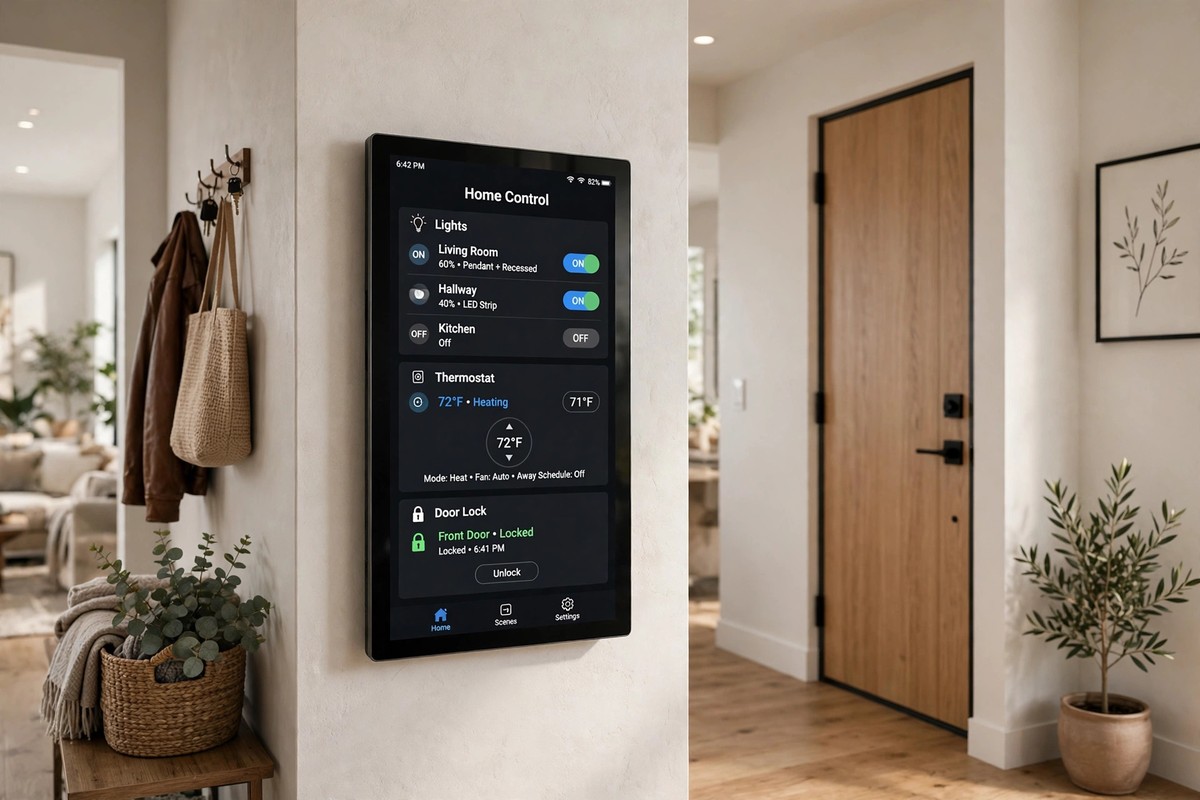
Pick by ecosystem first, then by radios, then by how much tinkering you enjoy. If your home is already full of Aqara sensors, a universal bridge makes sense. If you live in Alexa or Apple Home, the hub built for that world will feel effortless. If you want automations that keep running when the internet drops, a local hub is worth the learning curve. There is no single winner for every home, only a right fit for each household.
How This Guide Was Checked
Checked on 8 November 2026 against each maker’s own product and specification page. No hub in this guide was lab tested by us, so this is a research comparison, not a hands on test. Prices are guide prices only and change often, so check the live price and what is in the box before you buy. The Aqara Hub M3 list price differs between sources: GearBrain lists $159.99 while other 2026 guides list around $119.99, so do not treat any single figure here as the current price.
One check matters more than any other. A hub’s Zigbee radio, Thread radio and Matter role are three separate things. Zigbee connects older sensors, Thread connects newer battery devices, and Matter is the shared language on top. A hub can have one without the others, so check all three on the box before you buy.
Start with a quick stocktake before you buy. List the devices you already own, note which voice assistant your household actually uses, and check whether you own a Thread border router already. Many speakers, displays and TV streamers already do that job, so you may not need a new box at all. Our Matter vs Thread explained guide lists which everyday devices already act as a border router.
What a Smart Home Hub Does, and What Matter and Thread Mean
A hub coordinates devices and runs automations. When you unlock the front door, the hub can turn on the hall light, turn down the heating and disarm a camera routine, all in one step. A speaker alone can do voice control, but a hub adds the radios and the rules that tie devices together.
Matter is the common language that lets certified devices work across Apple Home, Alexa, Google Home and SmartThings. Thread is the low power wireless mesh that carries messages between battery sensors, locks and buttons, and it needs a Thread border router to connect to your home network. The Matter standard from the Connectivity Standards Alliance explains how that shared language is meant to end brand lock in. A hub that is both a Matter controller and a Thread border router covers the widest range of new devices, but it still may not cover older Zigbee or Z-Wave gear, so check your existing devices first.
Best Smart Home Hub 2026 Picks Compared
The table below gives the shape of each pick at a glance. Prices and bundles change often, so treat the price tier as a guide only and check the current retail price and what is in the box before you buy.
| Hub | Zigbee | Thread border router | Z-Wave | Matter role | Network |
|---|---|---|---|---|---|
| Aqara Hub M3 | Yes, Zigbee 3.0, Aqara devices only, up to 32 direct, up to 128 with routers | Yes | No | Controller and bridge | Wi-Fi 5, Ethernet, PoE |
| Amazon Echo Hub | Yes | Yes | No | Controller | Wi-Fi, Bluetooth |
| Apple HomePod mini (original) | No | Yes | No | Controller for Apple Home | Wi-Fi, Bluetooth |
| Hubitat Elevation C-8 Pro | Yes, Zigbee 3.0 | No on the standard model | Yes, Z-Wave 800 with Long Range | Controller, Matter 1.5 | Wi-Fi, Gigabit Ethernet |
| Home Assistant Green | No, add a USB coordinator | No, add a USB coordinator or use another border router | No, add a USB adapter | Controller via Home Assistant | Gigabit Ethernet only, no Wi-Fi |
Note on the original HomePod mini: Apple announced the HomePod mini 2 on 13 October 2026 at £149, and the original model was discontinued the same day. The original cost £99 at launch and £129 from June 2026. If you buy an original now, it is leftover stock. The new model also acts as a home hub with a Thread radio.
Note on Hubitat: the C-8 Pro Thread Special Edition adds a Thread radio but replaces the Zigbee radio, so it is not the same hub with an extra radio. Check which radio the listing names before you buy.
Note on Home Assistant Green: one Connect ZBT-2 adapter runs Zigbee or Thread, not both at the same time. A home with both Zigbee and Thread devices needs a second adapter or a second border router. Z-Wave needs the separate Connect ZWA-2 adapter.
1. Aqara Hub M3: Best Overall Bridge
The Aqara Hub M3 is the pick for a home that already mixes brands. It acts as a Matter controller and a Thread border router, and it can share its own Aqara Zigbee accessories with Apple Home, Alexa, Google Home and SmartThings. That bridging role is its real value: one small box lets a cheap Aqara sensor appear in the app your household already uses.
It also suits homes that want local automations between Aqara devices, plus a wired Ethernet option for stability. The limit to know before buying is that other brands of Zigbee gear are not its focus. If your home is full of non Aqara Zigbee plugs and switches, a more open hub will serve you better. The 360 degree infrared blaster is built into the Hub M3 as standard, so it can also control older infrared devices such as a TV or air conditioner. The power adapter is not included in the box, and the hub runs on USB-C 5V/2A or Power over Ethernet.
2. Amazon Echo Hub: Best for Alexa and Ring Homes
The Echo Hub is a dedicated wall mounted control panel for Alexa, and that panel is the reason to buy it. You can see your lights, cameras and routines at a glance, tap a scene, and check a Ring camera feed without opening your phone. Inside it carries Zigbee, Thread and Matter, so it can run most of a typical Alexa home with no extra hardware.
Buy it if your household already lives in Alexa and Ring. Skip it as your only hub if you want a fully local brain, because core Alexa control still leans on the cloud, and there is no Z-Wave radio for older locks and switches. If you do not need a screen, a current Echo speaker with the same hub radios may do the same job for less.
3. Apple HomePod mini: Best for Apple Households
For an iPhone household, the HomePod mini is the lowest friction hub of all. It becomes a home hub automatically, acts as a Thread border router, and gives you remote access and automations in the Apple Home app with almost no setup. As a speaker it is a bonus, not the main reason to buy as a hub.
The limits are clear. There is no Zigbee or Z-Wave radio, so those devices need their own bridge, and Android users get little from it. If your home is split between iPhone and Android, a universal bridge or a platform neutral hub will cause fewer arguments. Pair it with a camera plan you trust too: our eufy vs Ring security camera system comparison covers how each brand handles storage and subscriptions if cameras join the same setup.
4. Hubitat Elevation C-8 Pro: Best Local Hub Without Full DIY
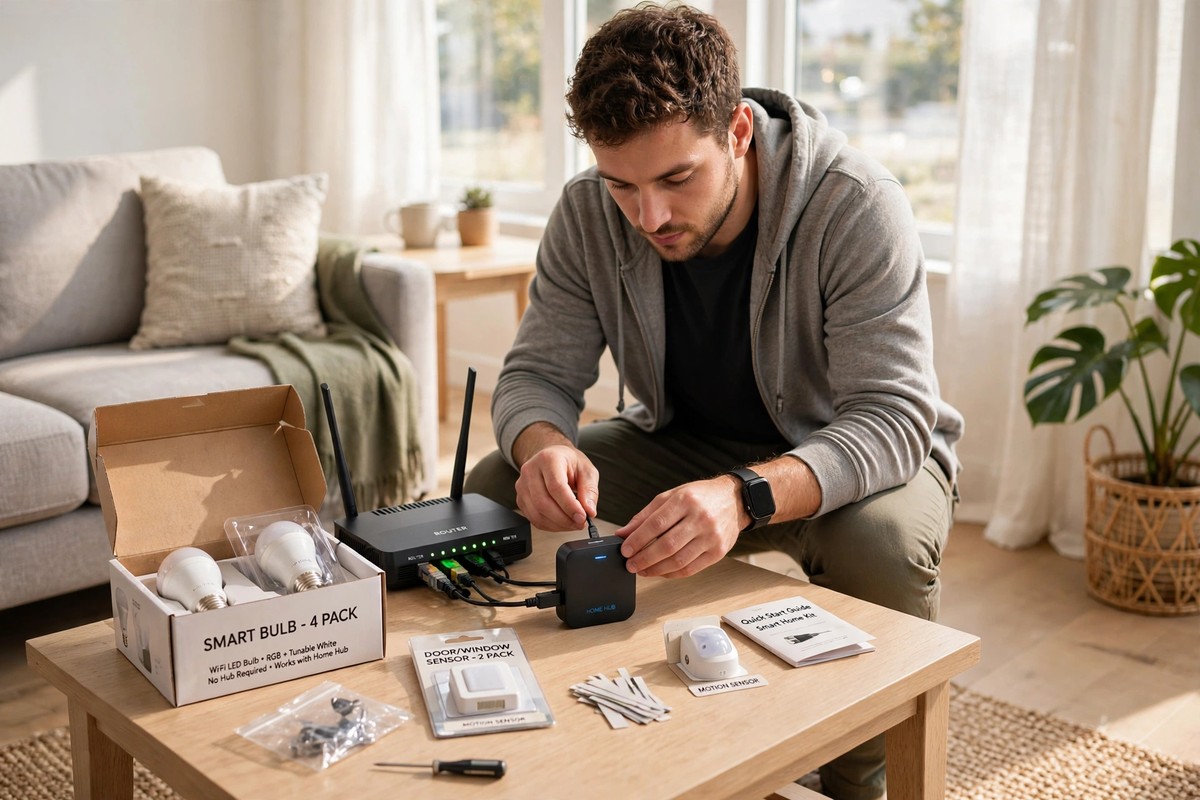
Hubitat is the middle ground between a plug and play brand hub and full Home Assistant. Its automations run locally in your home, so routines keep working when the broadband drops, and it carries Zigbee, Z-Wave and Matter radios in the box. There is no required subscription for core use, and it can bridge to Alexa, Google Home and Apple Home for voice control.
The trade off is polish. The app and rule building feel more technical than the big brand apps, and the standard model has no Thread radio, so Thread devices need a separate border router. Choose Hubitat if you want dependable local control and broad radio support, but you do not want to assemble a system from dongles and documentation.
Check two buying details before you order. First, Hubitat ships the C-8 Pro in the US only for the 48 contiguous states, so UK buyers should confirm stock, shipping and the correct regional Z-Wave frequency with the seller before ordering. Second, the standard model has no Thread radio, so Matter over Thread devices need a separate Thread border router elsewhere in the home, such as a HomePod mini, an Echo device or a Google TV Streamer.
5. Home Assistant Green: Best for Power Users
Home Assistant Green is the most capable hub here, and the most demanding. It runs the open Home Assistant platform locally, supports the widest range of devices and integrations, and lets you build automations well beyond what a mainstream app allows. Nothing about the platform locks you to one brand, which is why privacy focused owners rate it so highly.
The honest catch is that it ships with no smart home radios built in. Most owners add a USB coordinator for Zigbee or Thread, and possibly another for Z-Wave, and the first weekend involves real setup. If that sounds like a hobby rather than a chore, Green is the hub that will still fit your home in three years. If it sounds like homework, Hubitat or a brand hub is the kinder buy.
Budget for the adapters as well as the box. Green costs around £159 in the UK, and the Connect ZBT-2 adapter costs around £38 from The Pi Hut, so a Zigbee ready setup costs roughly £190 to £200 before any sensors. Green has no Wi-Fi radio, so it must sit near the router on an Ethernet cable. If that cable run is not practical, a brand hub is the better buy.
How to Choose: A Five Step Checklist
First, name your voice assistant and your main app, and do not switch ecosystems just for a hub. Second, list your radios: Matter over Wi-Fi, Matter over Thread, Zigbee and Z-Wave each need the right hardware. Third, decide how much local control matters: if automations must survive an outage, favour a local hub. Fourth, be honest about setup patience: a powerful hub you never finish setting up is worse than a simple hub you actually use. Fifth, check subscriptions, support periods and security basics before you buy, because a hub holds the keys to your home.
Security deserves its own check. Use a unique password for every hub app, turn on two factor authentication where offered, keep firmware updated, and remove old shared access when someone moves out. Our guide to smart home security mistakes covers the account steps that matter just as much for a hub as for cameras and locks. If your hub will also control a smart lock, read our Yale vs Schlage vs August smart locks comparison before you pair a lock to it, because door type and guest codes change the right choice.
What to Skip, and When to Wait
Skip a second hub if a speaker or display you already own already acts as a Matter controller and Thread border router for the devices you plan to buy. Skip a brand locked hub if your household uses two different voice assistants, because someone will always be locked out. Skip an end of life model, even at a discount, unless you have checked that it will still receive software updates for a sensible period.
Waiting can also pay. If a new model from your chosen platform is due soon, or if you are about to move house, a hub bought in a hurry may not fit the next home. A hub is a platform choice for years, not a gadget for a weekend, so a week of checking beats a year of workarounds.
Conclusion
So, what is the best smart home hub 2026 pick for your home? For most mixed brand homes, the Aqara Hub M3 is the simplest bridge. For Alexa and Ring homes, the Echo Hub is the natural panel. For Apple households, the HomePod mini disappears into the background. For local control without full DIY, Hubitat Elevation C-8 Pro is the sane middle ground. For power users who want the ceiling as high as it goes, Home Assistant Green is the hub to grow into. Pick the ecosystem first, check your radios second, and choose the setup effort you will actually enjoy, and one brain will quietly run the whole home.
Frequently Asked Questions
What is the best smart home hub 2026 pick for most homes?
There is no one winner, but a universal bridge such as the Aqara Hub M3 suits most mixed brand homes because it acts as a Matter controller and Thread border router and shares devices across the major platforms. If your home is already all Alexa or all Apple, the hub built for that ecosystem will feel simpler day to day.
Do I need a smart home hub if I only have Wi-Fi devices?
Usually not. Wi-Fi plugs, bulbs and cameras normally work through their own apps and your voice assistant, and a Matter controller in a speaker or display may already cover Matter over Wi-Fi devices. You need a hub when you add Zigbee, Z-Wave or Thread devices, or when you want one set of automations across brands.
What is the difference between Matter and Thread?
Matter is the common language devices speak, and Thread is the low power wireless mesh that carries those messages between battery devices. A Thread border router connects that mesh to your home network. Many hubs do both jobs, but a Matter device is not automatically a Thread device, so check both labels on the box.
Which hub keeps working when the internet goes down?
Local hubs such as Home Assistant Green and Hubitat Elevation C-8 Pro run automations inside your home, so local routines keep working during a broadband outage. Cloud leaning hubs may still offer local control of some devices, but routines and voice can fail, so check the exact model before you rely on it in an outage.
Can I mix brands with one smart home hub?
Yes, if the hub speaks the right standards. Matter helps certified devices work across platforms, and a Matter bridge can bring older Zigbee gear into a modern app, although some advanced features may stay in the original app. Check each device for Matter and Thread support, and confirm you have a Thread border router before buying battery powered Thread gear.