
So, are smart home devices safe for privacy? The short answer is that most well known devices are reasonably safe when they are set up properly, but none of them is private by default. Your speaker, camera, thermostat and TV all collect something, and the real question is who can see that data, how long it is kept, and how easy it is for someone else to get in.
In this guide we look at what each type of device actually records, the incidents that show where things went wrong, and the simple fixes that cut most of the risk. You do not need to throw your smart home away. You do need to stop trusting the default settings.
Are Smart Home Devices Safe for Privacy? What the Evidence Shows
The honest picture sits between two extremes. Smart home devices are not spying on you around the clock in the way social media rumours suggest, but they are also not silent helpers that forget everything they hear and see. A voice assistant listens locally for its wake word and usually sends audio to the cloud only after that word is detected. A camera records video by design. A thermostat learns when you are home. A smart TV can track what you watch, even from connected devices, through automatic content recognition.
The risk comes from three directions. First, the manufacturer itself collects, stores and sometimes shares your data. Second, employees, contractors or law enforcement may be able to access it. Third, a hacker may get in through a weak password, an old account or unpatched software. All three have happened in real cases, which is why privacy settings matter as much as the hardware you buy.
What Each Device Collects About You
Not every device is equally risky. A smart bulb knows roughly when a room is in use. A camera in your hallway knows far more. Use the table below to judge where to spend your effort first.
| Device | What it typically collects | Privacy risk |
|---|---|---|
| Smart speaker | Voice commands after the wake word, routines, music and shopping requests | Medium to high |
| Camera and video doorbell | Video, audio, motion logs, and sometimes facial recognition data | High |
| Smart TV | Viewing habits, app use, and voice commands on some models | High |
| Smart thermostat | Home and away patterns, schedules, and energy use | Medium |
| Smart lock | Lock and unlock times, user codes, and failed attempts | Medium to high |
| Smart plug or bulb | On and off times and energy use, which can reveal routines | Low to medium |
| Robot vacuum | Floor plans, room names, and cleaning schedules | Medium |
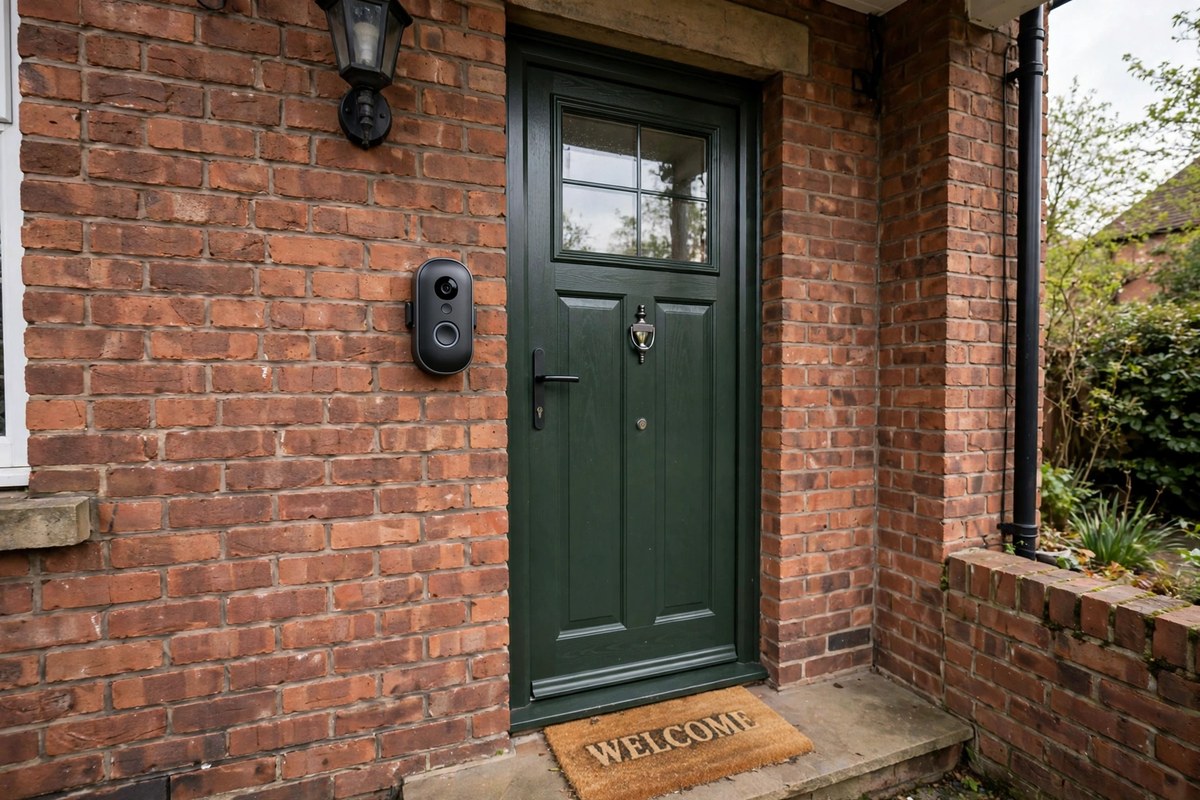
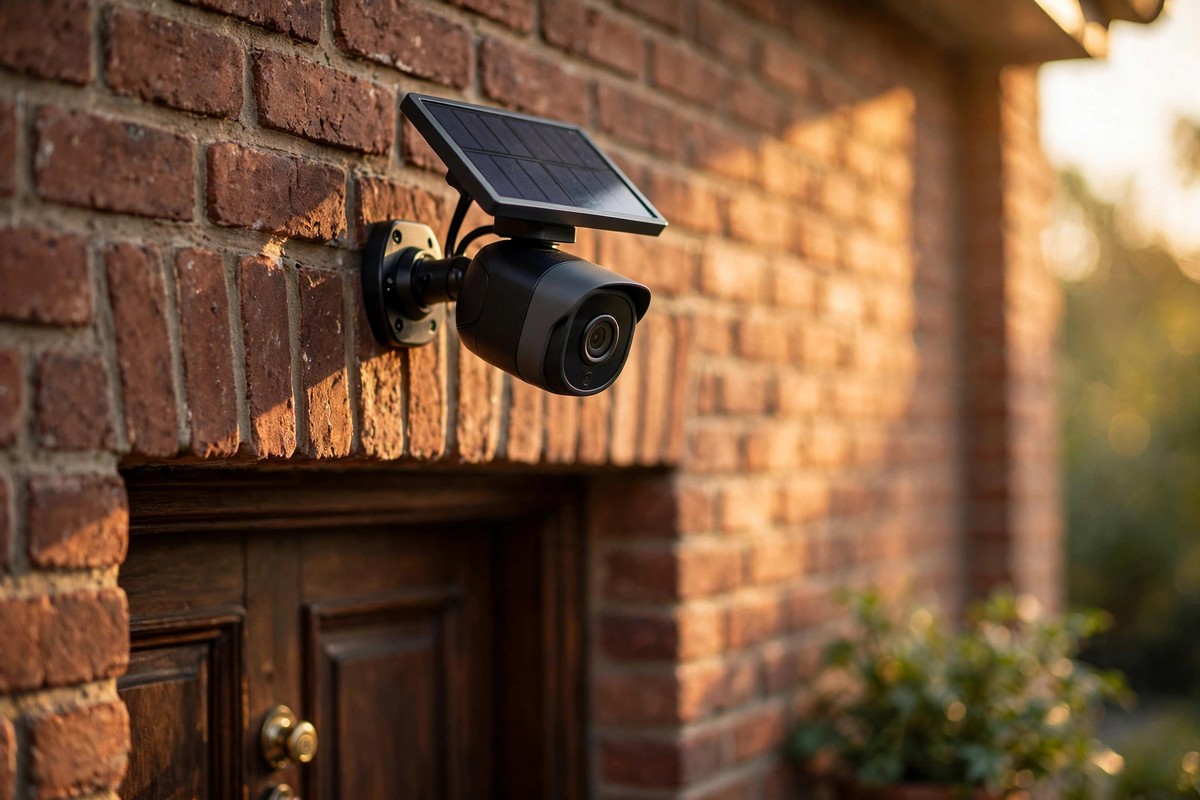
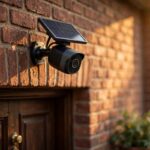
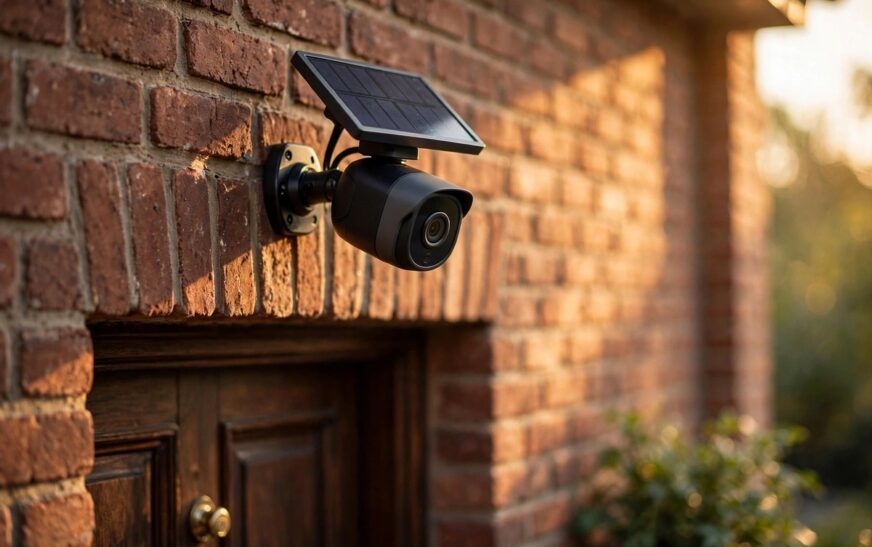
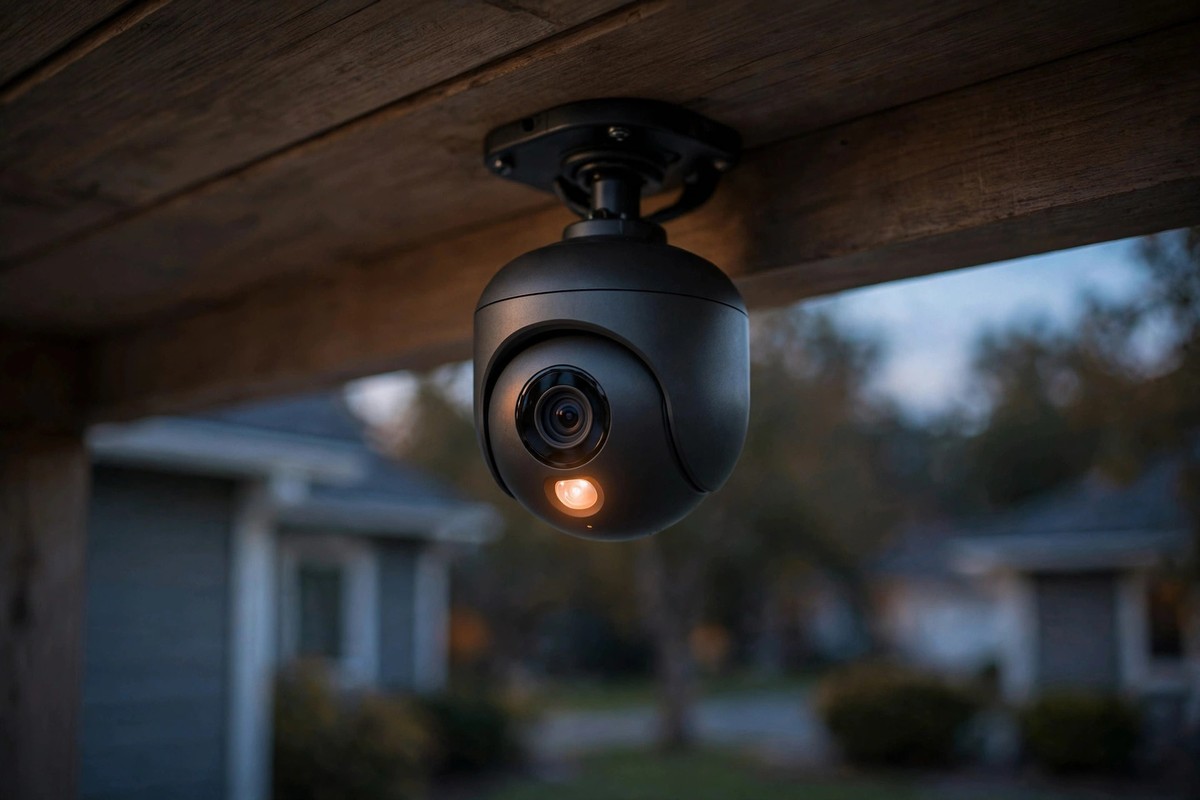
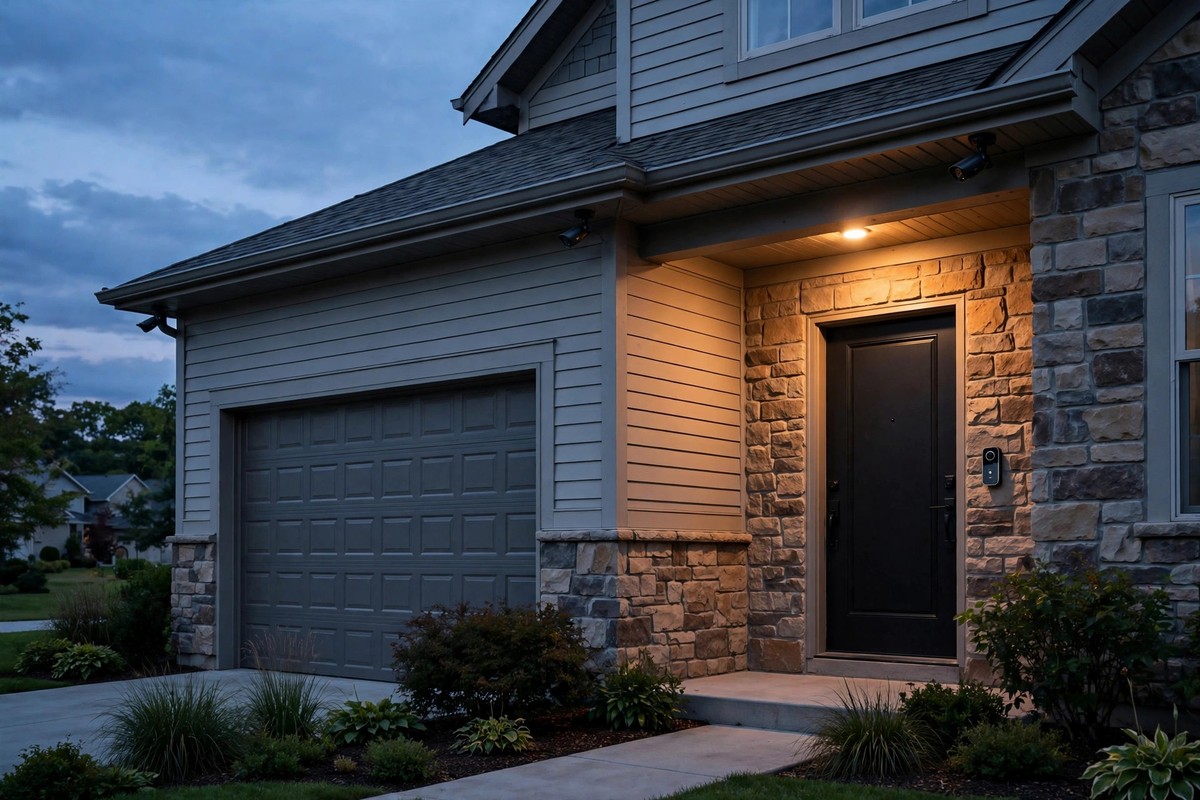
Cameras deserve the most attention because the data is the most personal. Footage stored in the cloud can be viewed by the provider, requested by police, or stolen if your account is compromised. That is one reason many buyers now prefer cameras with local storage and no monthly fee, as our guide to the best outdoor security camera without a subscription explains.
Real Incidents That Changed the Conversation
Privacy advice sounds abstract until you look at what actually happened. In 2023 the US Federal Trade Commission settled a case against Ring, alleging that employees and contractors had accessed private customer footage and that the company had failed to stop account takeover attacks. Ring paid a settlement and agreed to a long term data security programme. The lesson was not that every camera is unsafe. It was that cloud video is only as private as the company guarding it.
Voice assistants have their own history. Investigations in 2019 found that contractors reviewed voice recordings from Amazon and Google devices for quality checks, including clips captured by accident. Both companies have since added clearer deletion controls, but the episode explains why you should check your voice history settings rather than assume recordings vanish on their own.
Smart TVs are a quieter problem. In 2017 Vizio was fined after tracking viewing habits on millions of TVs without proper consent and selling that data to advertisers. Modern TVs still track viewing by default in many cases, so turning off content recognition in the settings is one of the highest value privacy steps you can take.
The FBI has also warned homeowners directly. Its public advice notes that attackers often gain access by reusing stolen email passwords for smart device accounts, then hijacking live cameras and speakers. That is a credential problem, not a Hollywood hacking scene, and it is largely preventable. Our full breakdown of whether smart home devices can be hacked covers the attack routes in more detail.
The 10 Fixes That Matter Most
You do not need expert skills to make a smart home much safer. Work through this list once, then repeat the account check every few months.
1. Change every default password. Use a unique, strong password for each device account and for your router. Never reuse the password from your email account, because that is the account attackers try first.
2. Turn on two factor authentication. Enable it on every camera, doorbell and speaker app that offers it. This one step blocks most account takeover attempts even if a password leaks.
3. Put smart devices on a separate network. Most modern routers let you create a guest network. Put cameras, bulbs and plugs there so a compromised bulb cannot easily reach your laptop or phone.
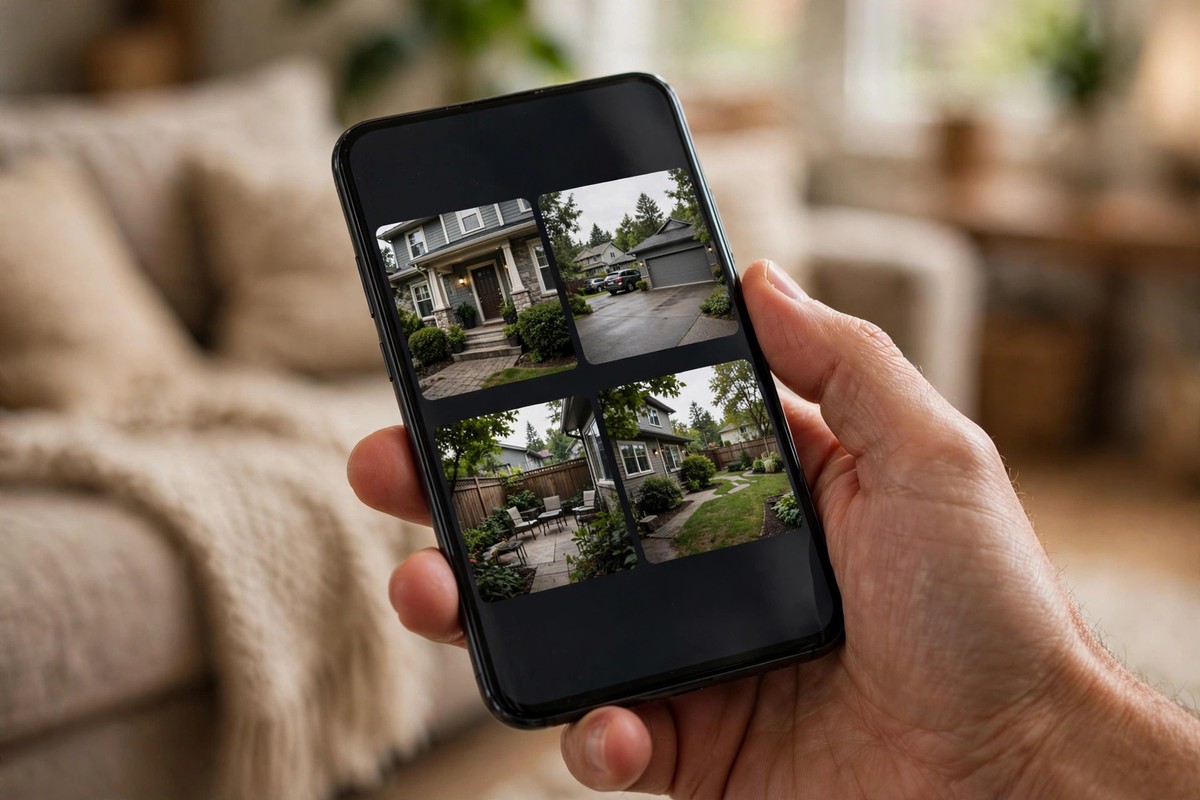
4. Install firmware updates promptly. Known flaws in cameras, bulbs and hubs are fixed through updates, but only if you install them. Turn on automatic updates where the option exists.
5. Review voice and video history. Set voice recordings to auto delete, and shorten camera cloud retention where possible. Shorter storage means less data to leak.
6. Choose local storage where you can. Cameras that record to a hub, hard drive or memory card keep footage in your home rather than on a company server. Compare the options in our Eufy versus Ring security camera comparison before you buy.
7. Turn off tracking you do not need. Disable TV content recognition, voice purchase options you never use, and location sharing for apps that do not need it.
8. Audit who has access. Remove ex partners, former housemates, old phones and unused third party apps from your device accounts. Shared access is often forgotten, not hacked.
9. Prefer local control standards. Devices that work over Matter and Thread can often run locally on your home hub with less cloud dependence. Our Matter versus Thread explainer shows how the two standards fit together.
10. Point cameras with care. Cover entrances and driveways, not bedrooms, bathrooms or neighbours gardens. Disable audio recording indoors unless you genuinely need it, and tell guests where cameras are active.
Buying Safer in 2026: What to Check Before You Pay
Privacy starts at the checkout. Before buying, check four things: whether the device offers local storage or local control, whether it supports two factor authentication, how long the maker promises security updates, and what its privacy policy says about data sharing and retention. Big brands are not perfect, but security experts consistently note that established makers have more incentive and more resources to fix flaws than unknown budget brands. That said, price alone is no guarantee, and some smaller brands with local first designs beat big cloud heavy rivals on privacy.
Also check the total cost honestly. A cheap camera with a compulsory monthly plan can cost far more over three years than a pricier local storage model, and subscription prices move over time, so treat any figure you see in a review as a typical range at the time of writing rather than a live quote. Always confirm the current plan price on the maker site before you buy.
UK Specific Notes
If you live in the UK, data protection law gives you real rights, including the right to ask what a company holds about you and to request deletion in many cases. That does not make a device private on its own, but it does give you leverage if a maker is vague about retention. For cameras, UK guidance also matters at home: avoid recording neighbours gardens or public pavements more than necessary, and be careful with audio, since recording conversations without consent can create legal problems. When in doubt, narrow the camera view and switch audio off.
Conclusion: Are Smart Home Devices Safe for Privacy?
So, are smart home devices safe for privacy in 2026? They can be, but only when you treat privacy as part of the setup, not as an afterthought. Use strong unique passwords, two factor authentication, a separate network, local storage where possible, and regular account audits, and the realistic risk drops sharply. Skip those steps and even a good device becomes an easy target.
The safest smart home is not the one with the fewest devices. It is the one where every device has a purpose, a setting you have actually checked, and a plan for what happens to its data. Audit your home this week, starting with cameras and speakers, and you will already be ahead of most households. For an independent expert view on the same risks, see the BBC Science Focus guide to smart home security.
Frequently Asked Questions
Are smart home devices safe for privacy if I only buy big brands?
Big brands usually have stronger security teams and faster patches, but they also collect the most data through large cloud platforms. A big brand device with default settings is still riskier than a smaller local first device that is set up properly. Check the privacy settings, not just the logo.
Is Alexa always listening to everything I say?
No. Smart speakers listen locally for a wake word and normally send audio to the cloud only after that word is detected. However, accidental activations do happen, and recordings can be kept until you delete them, so set auto deletion and review your voice history regularly.
Are smart home cameras safe to leave on overnight?
Yes, if they are secured and placed sensibly. Use a strong unique password, two factor authentication, updated firmware, and motion only recording where possible. Avoid pointing indoor cameras at bedrooms, and consider local storage so footage stays in your home.
Does a separate Wi-Fi network really help privacy?
Yes. A guest or IoT network stops a compromised smart device from easily reaching your computers and phones on the main network. It does not stop the device maker from collecting its own data, but it greatly limits the damage from a hacked gadget.
How do I check what data my smart home devices collect?
Open each app and look for privacy, data and history settings, then check the maker privacy policy for retention and sharing details. Delete old voice and video history, remove unused shared users and third party apps, and repeat the check every few months or after adding a new device.