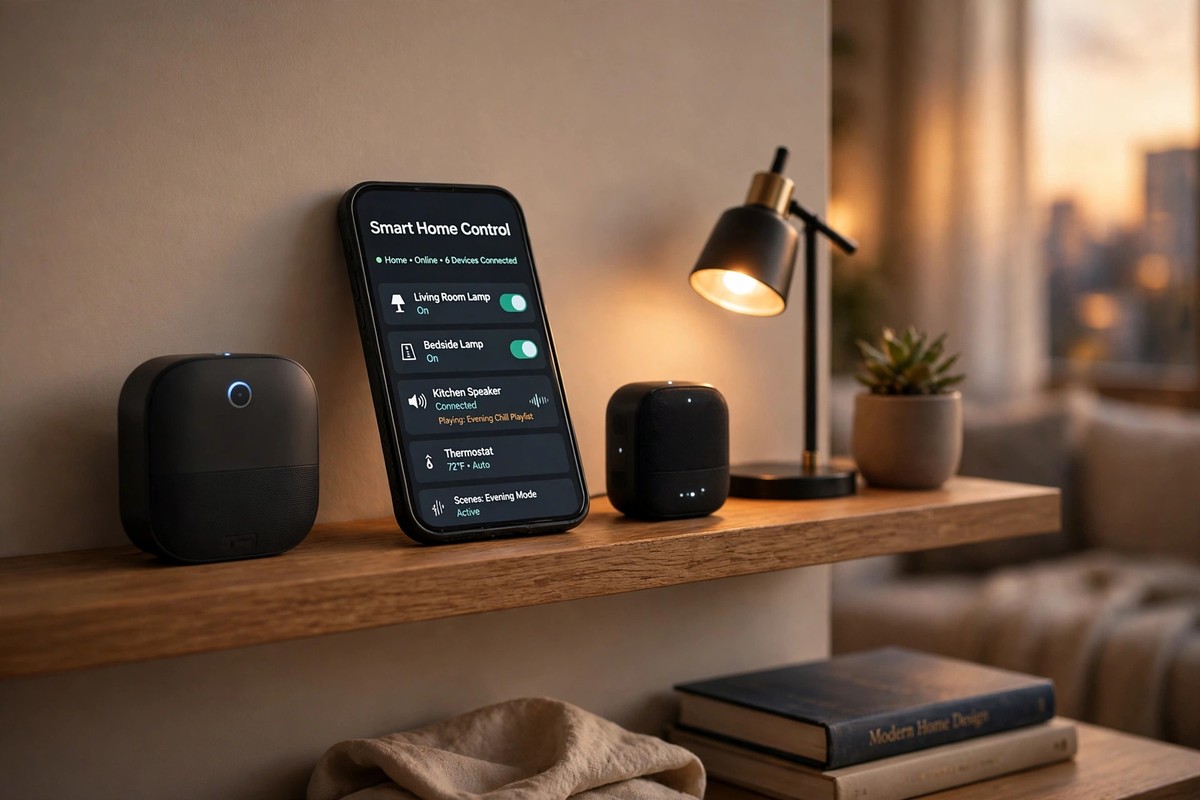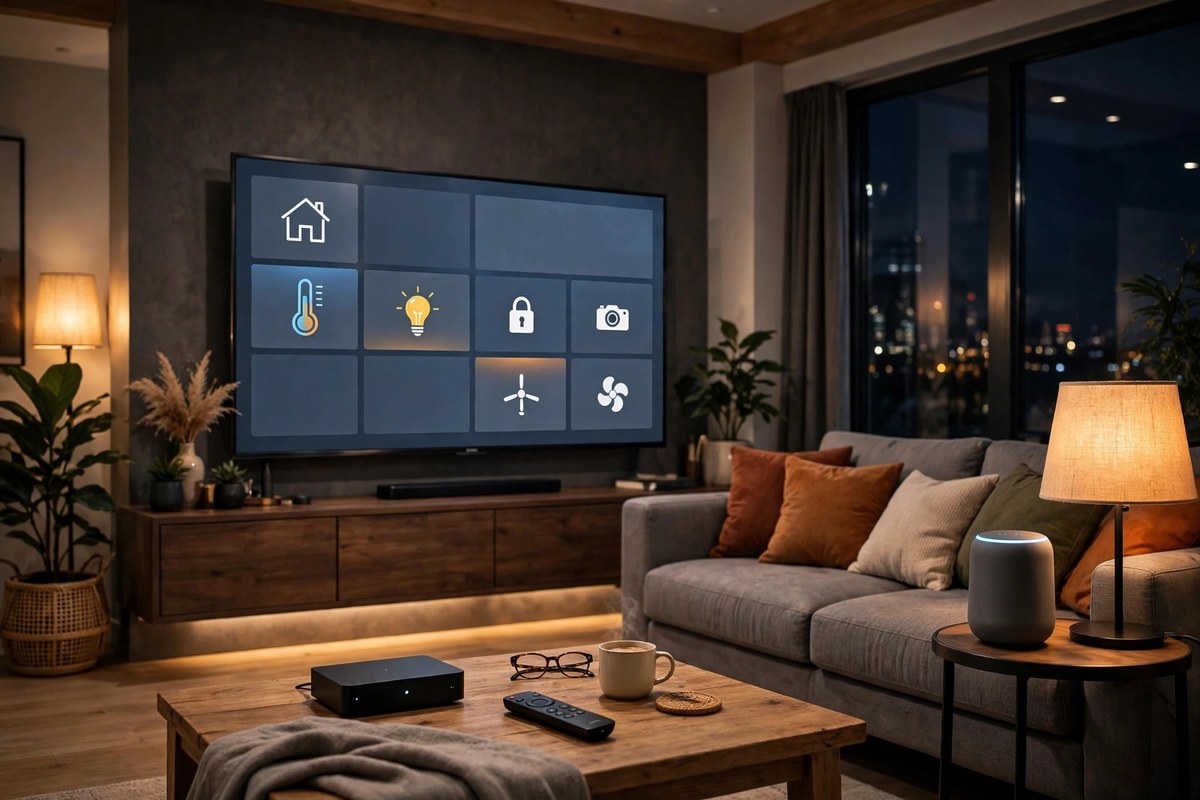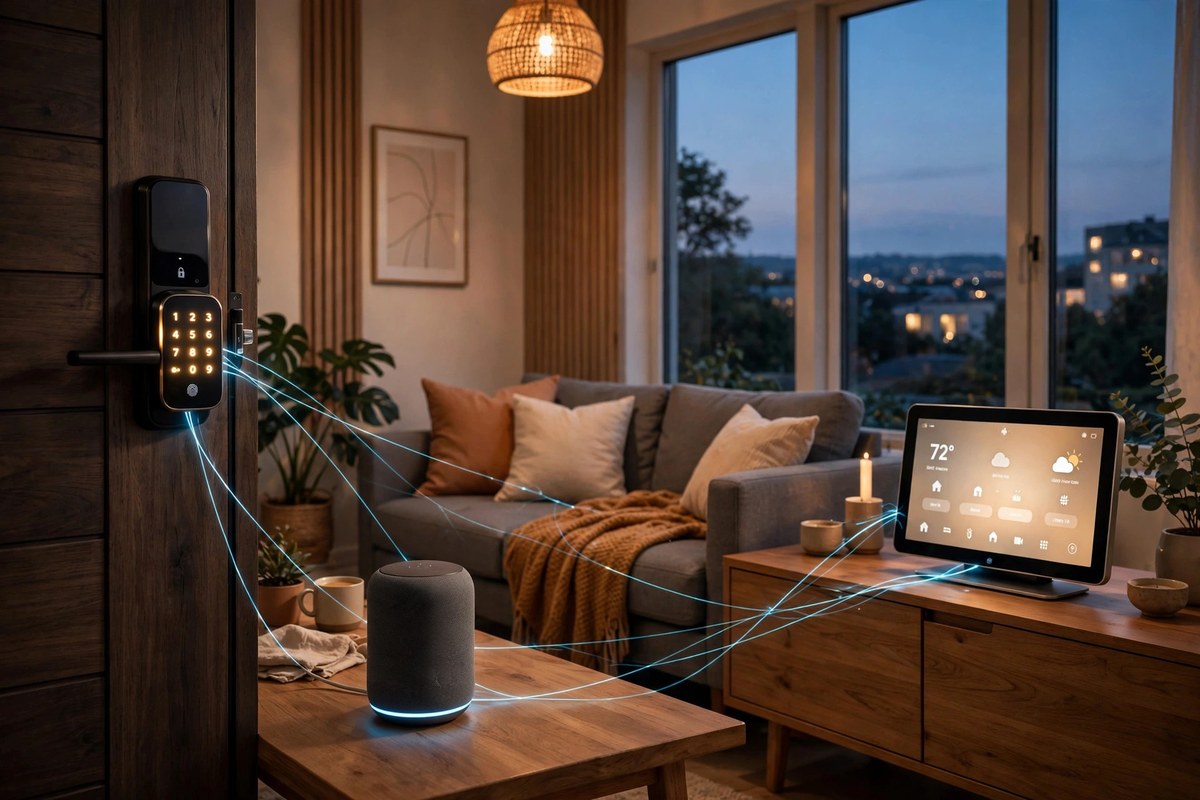


Google Home vs Alexa vs Apple HomeKit 2026 is the comparison that decides how your whole smart home feels every day. The speaker you talk to, the app you open, and the camera feed you check all flow from this one choice. All three platforms now support Matter, all three answer voice commands, and all three can run lights, locks, and thermostats. The differences that actually matter are cost, privacy, Thread support, and how each one treats a mixed household. This guide covers all four, so you buy once and buy right.
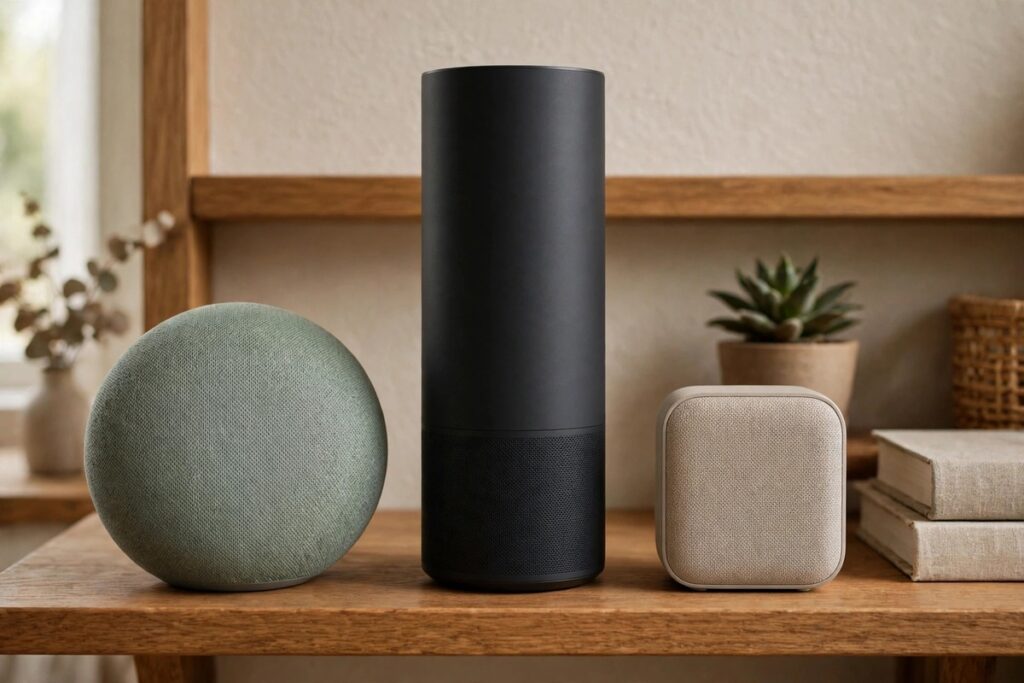
Google Home vs Alexa vs Apple HomeKit 2026: The Short Answer
Pick Alexa if you want the widest device choice and the lowest starter cost. It supports the most brands, the most routines, and the cheapest speakers, and it pairs naturally with Ring cameras and doorbells.
Pick Google Home if your household runs on Android, Gmail, and YouTube, or if you want the smartest conversational assistant. Gemini powered help makes follow up questions feel natural, and the Google TV Streamer doubles as a Matter and Thread hub.
Pick Apple Home if your household runs on iPhone, iPad, and Apple Watch and privacy is your top priority. It is the most expensive way in, but automations run locally, camera clips can be encrypted end to end, and the app is the simplest of the three.
The 2026 Total Cost Table: What Each Platform Really Costs in Year One
Rivals quote speaker prices and subscription prices in different places, so here is the whole first year in one table. Treat every figure as a guide at the time of writing and check the current price before buying, because smart home prices moved sharply in autumn 2026.
| Platform | Starter speaker or display (guide) | AI upgrade | Camera recording | First year verdict |
|---|---|---|---|---|
| Amazon Alexa | Echo Dot, from around £55 | Alexa+ is a paid upgrade on top of free Alexa: check the current monthly price before you commit | Ring Home from around £2.50 a month per device in the UK, for recorded video history | Lowest hardware cost; you only pay a subscription if you want recorded clips |
| Google Home | Nest speaker or Nest Hub: check the current price, as models and prices change often | Gemini features are rolling into Google Home with no separate headline fee confirmed at the time of writing: check before you buy | Nest Aware subscription for recorded video history: check the current UK price | Mid range hardware cost; budget for a camera plan if you record |
| Apple Home | HomePod mini, around £99 | Siri upgrades come with the platform, with no separate AI subscription at the time of writing | HomeKit Secure Video recording needs a paid iCloud+ plan: check the current price for the camera count you need | Highest starter cost, but no separate AI fee and strong privacy included |
The lesson is simple: the cheapest speaker rarely means the cheapest system. Add the camera plan you actually need before you compare, because one recorded doorbell can cost more over a year than the speaker it talks to.
Thread Border Routers: Which Devices Do the Job on Each Platform
A Thread border router connects battery powered Thread gadgets, such as sensors and locks, to your Wi-Fi network. Without one, Matter over Thread devices cannot join your home. Many devices you may already own do this job quietly, so check before you buy anything new.
Apple Home: HomePod, HomePod mini, and Apple TV 4K (the 128 GB third generation model; the cheaper Wi-Fi only model lacks Thread). Our Matter vs Thread explained guide lists the full checklist.
Google Home: Nest Hub, Nest Hub Max, Google TV Streamer, and Nest Wifi Pro. The Google TV Streamer is the standout here, because it is a speaker free hub that also runs your TV.
Amazon Alexa: Echo (4th gen), Echo Show 8, 10, 15 and 21, Echo Hub, Echo Studio, and eero routers. In most Alexa homes a speaker you already own is already a border router, which is why Alexa rarely needs an extra hub purchase.
Multiple border routers can coexist, and that is a good thing: if one goes offline, another takes over. If you own none of the devices above, a HomePod mini or a current Echo device is the simplest fix. The Connectivity Standards Alliance, which runs the Matter standard, describes Matter as the seal of approval that devices from different brands will work together, which is why Matter certified gear is the safest buy whichever platform you pick.
Amazon Alexa: The Compatible One
Alexa wins on breadth. It works with the most device brands, handles the most complex routines, and gives you the widest choice of speakers, displays, and price points. If you want a smart plug from one brand, a lock from another, and a doorbell from a third, Alexa is the platform least likely to say no.
The trade offs are privacy and polish. Alexa is a cloud first assistant, so more of your requests travel to Amazon servers than on Apple Home, and the app can feel busy. Set a voice purchase PIN and review your voice history settings on day one: our guide to smart home security mistakes covers the account steps that matter most.
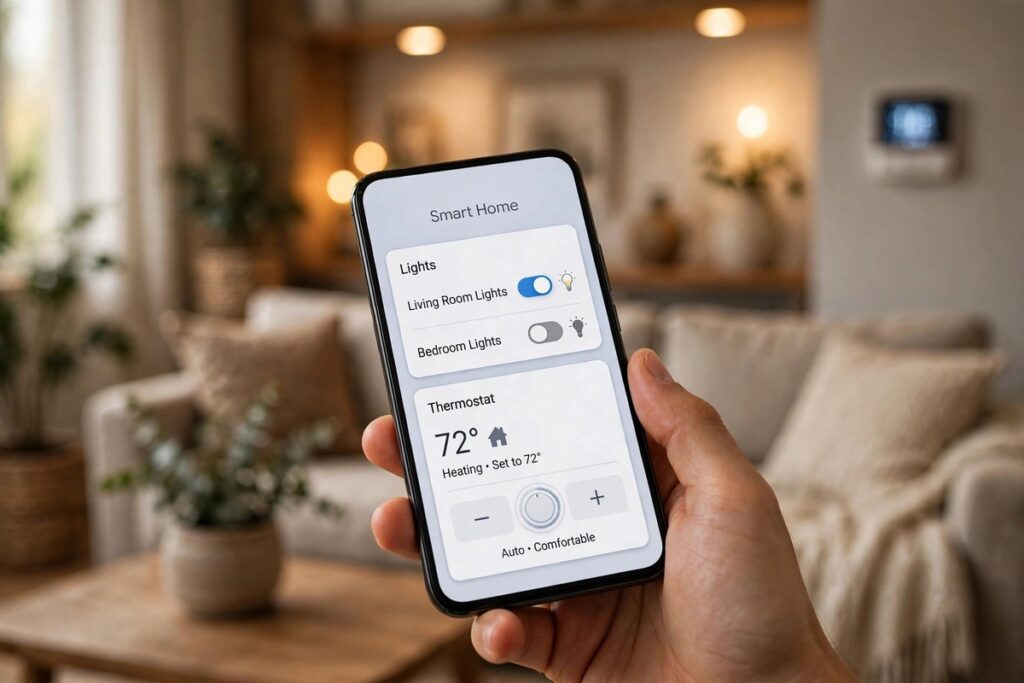
Google Home: The Intelligent One
Google Home wins on conversation. You can ask follow up questions in natural language, and Gemini powered search is better at finding answers and media across your apps. Google Cast is built in, so starting a video on your phone and sending it to the TV works in most apps.
The trade off is a smaller first party hardware range than Alexa, and a history of Google changing product lines. Buy Matter devices where possible, so your gadgets survive even if Google reshuffles its own speakers. Matter gear can be shared across Google Home, Alexa, and Apple Home at once, which is real insurance against any single company changing direction.
Apple HomeKit: The Private One
Apple Home wins on privacy and simplicity. Automations run locally where possible, HomeKit Secure Video can encrypt camera clips so even Apple cannot view them, and the Home app is calmer and easier to learn than either rival. If your household already lives on iPhone and Apple Watch, setup is close to automatic.
The trade offs are price and choice. HomePod speakers cost more than Echo or Nest equivalents, fewer budget brands support HomeKit natively, and there is no cheap Apple display for the kitchen counter. Renters should also check lock fit before buying: our Yale vs Schlage vs August smart lock comparison explains which locks suit rented doors.
Which One If You…: Mixed Households, Renters, and Families
Mixed household (iPhone plus Android under one roof): pick the platform that controls the devices in the room you use most, and buy Matter devices for everything new. Matter gadgets can appear in two or three apps at once, so each person can keep their preferred phone and still control the same lights. Keep one assistant per room where possible, so commands never go to the wrong system.
Renters: pick Alexa or Google Home for the lower starter cost, and choose devices that leave no trace: retrofit locks, plug in cameras, and battery sensors that move with you. Apple Home works for renters too, but the higher hardware cost stings more when you move.
Families with kids and guests: Apple Home has the cleanest guest and child controls, while Alexa offers the most routine options for school mornings and bedtimes. Whichever platform you choose, give every person their own account or code, never share one login for the whole household, and remove guest access the day someone moves out. For cameras, our eufy vs Ring security camera system comparison explains the subscription and privacy trade offs behind that choice.
Starter Kit for Each Platform
Alexa starter kit: one Echo Dot, two Matter smart bulbs, and one smart plug. Add a Ring doorbell only if you want recorded video, and budget for Ring Home.
Google Home starter kit: one Nest Hub, two Matter smart bulbs, and one Matter over Thread door or window sensor. The Hub acts as your Thread border router, so the sensor works straight away.
Apple Home starter kit: one HomePod mini, two Matter smart bulbs, and one smart plug. The HomePod mini is your hub and border router in one, so add Thread sensors next without buying anything else.
Switching Platforms Without Starting Over
Already invested in one platform and tempted by another? Do not rip everything out. First, list which of your devices are Matter certified: those can move to the new platform, often without being reset. Second, keep your old hub or speaker running during the move, so automations keep working while you rebuild them. Third, move room by room, starting with lights, then locks and cameras last, because those need the most care. Wi-Fi and Zigbee devices bridged through a hub can often follow too, but brand locked cameras and doorbells usually cannot, so budget to replace those if you switch.

Conclusion
Google Home vs Alexa vs Apple HomeKit 2026 has no single winner, because the right ecosystem depends on your phones, your budget, and your privacy comfort. Alexa wins on choice and price, Google Home wins on conversation and casting, and Apple Home wins on privacy and simplicity. Pick the platform that matches the phones already in your house, buy Matter devices for everything new, check your Thread border router before you buy sensors, and add the camera subscription to the price before you compare. Do that, and the ecosystem picks itself.
Frequently Asked Questions
What happens to my automations during an internet outage?
It depends on the platform. Local automations on Apple Home and Matter over Thread devices keep running without broadband, because the commands travel over your home network. Cloud dependent routines on Alexa and Google Home may fail until the internet returns, although local device control from inside the house often still works. Battery sensors and Thread locks are the most outage proof part of any system.
Does Matter really remove lock-in?
Mostly, but not completely. Matter lets a certified device appear in Apple Home, Google Home, and Alexa at once, so switching platforms no longer means replacing every bulb and plug. Brand locked features, such as a camera maker’s own cloud clips or advanced app settings, still stay with that brand. Buy Matter for the basics, and accept that cameras and doorbells remain the stickiest part of any system.
Are Alexa+, Gemini, and Siri upgrades worth paying for?
Only if you use the features daily. Alexa+ adds deeper conversational help and smarter routines, which suits households that live by voice commands. Gemini in Google Home suits Android households that already ask complex questions. Siri upgrades suit Apple households that value on device privacy. If you mainly switch lights on and off, the free assistant on any platform is already enough, so try it free before paying.
Can I mix Google Home, Alexa, and Apple HomeKit in one house?
Yes, through Matter. A Matter bulb or plug can be shared across all three apps at once, so an iPhone user and an Android user can control the same lights. The practical rule is one assistant per room, so voice commands never go to the wrong system, and one app as the main home for automations, so routines do not contradict each other.
Which Google Home vs Alexa vs Apple HomeKit 2026 ecosystem is best for renters?
Alexa or Google Home, for the lower starter cost and the wider choice of no drill devices. Retrofit locks, plug in cameras, and battery sensors all move with you, and Matter devices can join your next home’s system without being replaced. Check your tenancy agreement before fitting anything that changes the door or the wiring.