


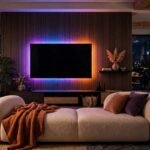
Finding the best smart light strips TV desk owners actually love means answering two different questions at once. Behind a TV you want light that follows the picture, softens the contrast between a bright screen and a dark room, and makes films feel bigger. On a desk you want a strip that adds colour without glaring into your eyes or washing out your monitor. The same strip rarely does both jobs well, so this guide splits the picks by job, gives dated prices from the makers own stores, and explains the camera-versus-HDMI choice that decides how good TV sync really feels. Prices below are from maker US stores as of October 2026 unless stated otherwise, and this comparison is based on published specs and verified review findings, not hands-on testing.
Best Smart Light Strips for TV and Desk at a Glance
Use this table to shortlist, then read the sections below for the detail that matters for your room.
| Strip | Best for | Price (Oct 2026) | Key spec |
|---|---|---|---|
| Govee TV Backlight 3 | TV, 55 to 65 inch | $109.99 | Dual 4MP camera, Matter |
| Govee TV Backlight 3 Pro | TV, best camera sync | $179.99 launch price | HDR triple camera, 75 LEDs/m |
| Govee Envisual TV Backlight T2 | TV, dual-camera sync | $139.99 (listed Aug 2026) | Dual cameras, RGBIC |
| Philips Hue Play Gradient 85 inch | TV, premium HDMI sync | $149.99 US / £94.99 UK | 3,500 mm, Zigbee, 2-year warranty |
| Govee Strip Light 2 Pro 16.4 ft | Desk, best overall value | $74.99 sale, list $99.99 | 60 LEDs/m, 340 lm/m, Matter |
| Philips Hue Flux 16 ft | Desk and shelves, Hue homes | $109.99 | 2,000 lm, CRI 80, reconnectable cuts |
| Nanoleaf Multicolor Lightstrip HD | Desk, Apple Home and Matter | $59.99 sale, list $69.99 | 300 colour zones, 550 lm |
| LIFX SuperColor 80 inch kit | Desk, cheapest no-hub Wi-Fi | $39.98 | 1,400 lm, CRI 82, 2-year warranty |
Which Strip Is Best Behind a TV?
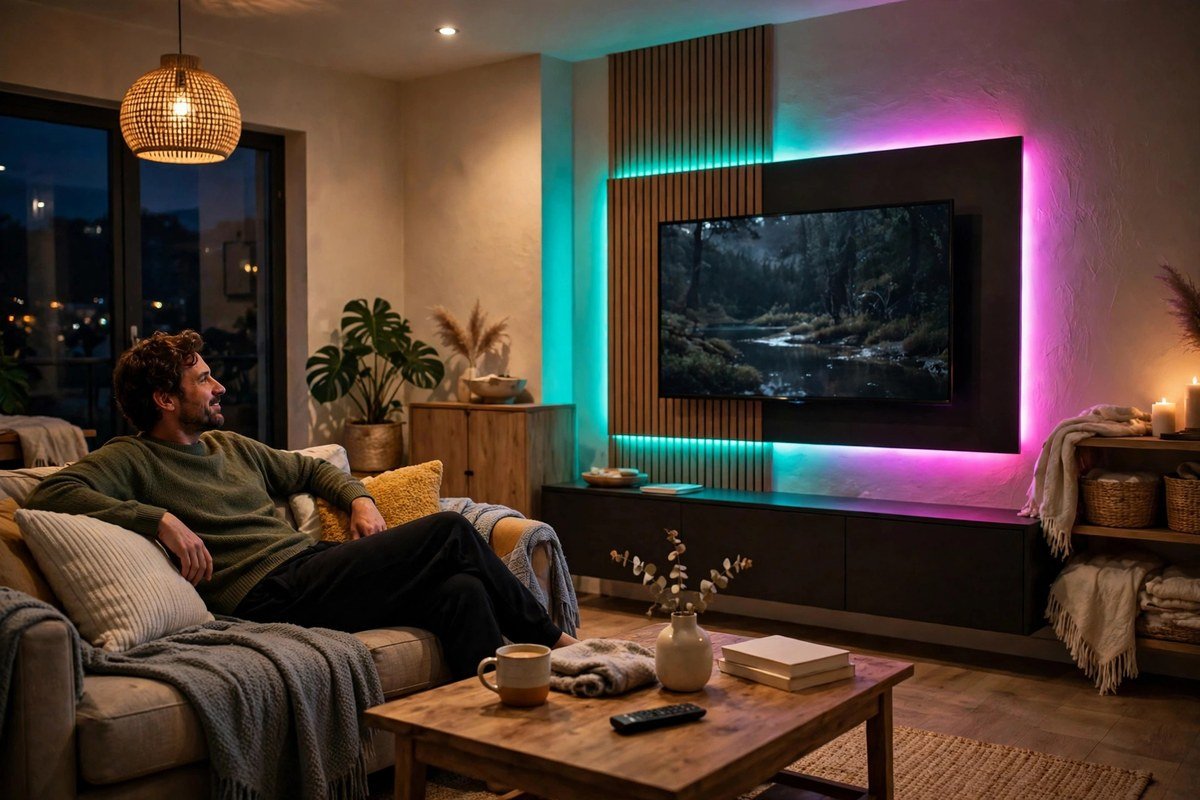
For most living rooms, the Govee TV Backlight 3 is the best smart light strips TV desk buyers should start with for the TV side. It costs $109.99 for 55 to 65 inch TVs, or $139.99 for 75 to 85 inch TVs, and it uses a dual 4MP camera with a hybrid glass-plastic lens to watch the screen and mirror its colours onto the wall. That camera approach means no extra box between your streaming device and your TV, and it works with Matter, so it shows up in Apple Home as well as Alexa and Google Home. The strip itself is 11.8 ft long for the smaller size, which is enough to run around three sides of a 55 to 65 inch set.
If you want the sharpest camera sync Govee sells, the TV Backlight 3 Pro steps up to an HDR triple camera and 75 LEDs per metre, with RGBWWIC beads that add warm and cool white to the colour mix. Its launch price was $179.99 for the 55 to 65 inch version. The Govee Envisual TV Backlight T2 is the older dual-camera option, listed at $139.99 on the Govee US store in August 2026, with RGBIC segments and more than 99 preset scenes in the Govee Home app. Buy the T2 only if it is discounted below the newer Backlight 3, because the Backlight 3 has the better camera and costs less at list price.
The premium answer is the Philips Hue Play Gradient Lightstrip. Philips Hue lists the Play Gradient 85-inch strip at £94.99 in the UK, and the same model is $149.99 on the Hue US store. It is a 3,500 mm strip for TVs up to 85 inches, and it syncs through the Hue Sync TV app, Hue screen sync, or an HDMI sync box, which reads the video signal directly instead of watching the screen. That direct read is why Hue sync feels instant during fast action scenes. Note the real cost: the strip alone does not sync. You also need a Hue Bridge and one of the sync options, and the strip can be cut to size but cannot be extended. Hue gives it a 2-year warranty and does not publish a lumen figure for it, which is honest to state, because brightness is not its selling point. Colour accuracy and speed are.
Which Strip Is Best for a Desk?
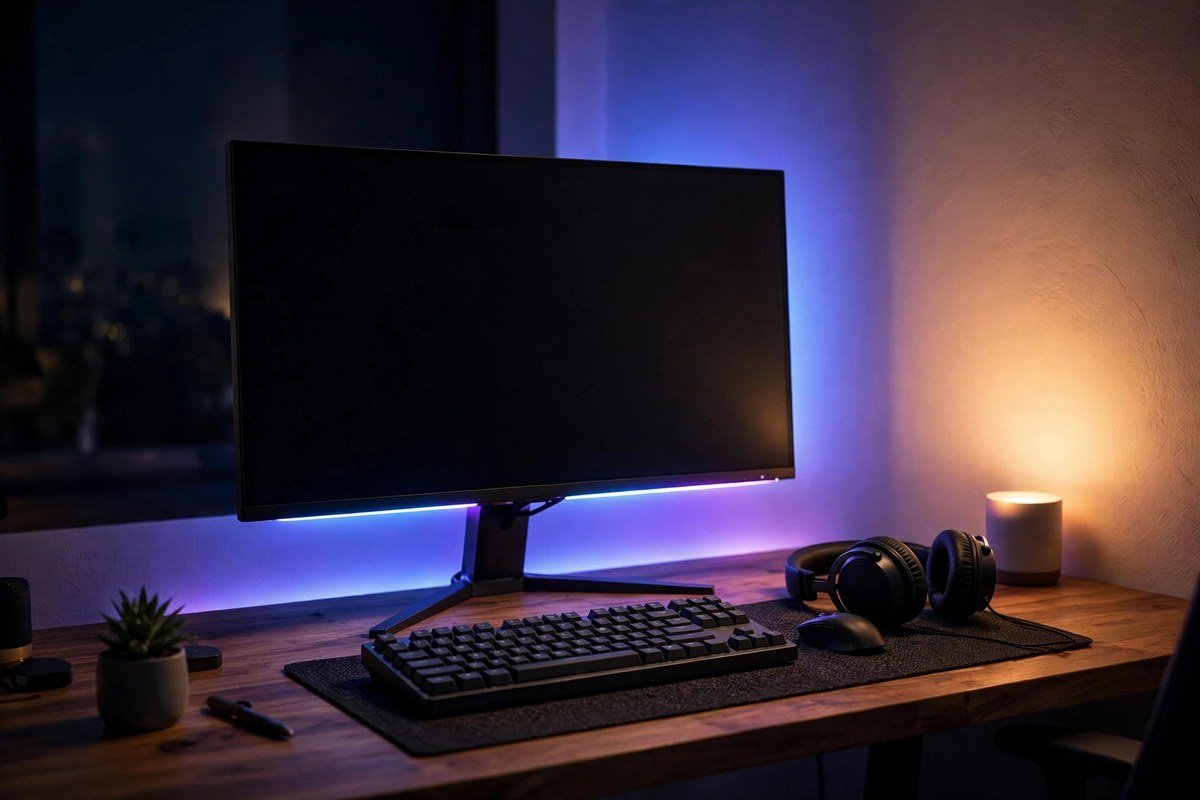
For a desk, start with the Govee Strip Light 2 Pro. At $74.99 on sale (list $99.99) for 16.4 ft, it gives you 60 LEDs per metre and 340 lumens per metre, with tunable white from 1000K to 10000K, so the same strip can glow warm orange in the evening and switch to clean daylight white when you are working. It connects over Wi-Fi and Bluetooth, supports Matter, and can be cut at 10 segments per metre and extended to 32.8 ft with a $19.99 extension. Run it along the back edge of the desk or behind the monitor, never across the front edge where the LEDs point at your eyes. One honest limit: Govee states no warranty term on this product page, only a 30-day money-back guarantee, so keep your receipt.
If your home already runs on Hue, the Philips Hue Flux is the desk strip that fits. The 16 ft version costs $109.99 and is rated at 2,000 lumens at 6500K with a CRI of 80, which means its white light is genuinely useful for reading and working, not just decoration. It is cuttable and Hue says cut pieces can be reconnected, which is rare, and it carries a 2-year warranty with a nominal 25,000-hour lifetime. It uses Bluetooth and Zigbee, so a Hue Bridge unlocks the full feature set. For a wider view of that choice, see our Philips Hue vs Govee comparison.
Apple Home users should look at the Nanoleaf Multicolor Lightstrip HD. It costs $59.99 on sale (list $69.99) for 16.4 ft, offers 300 colour zones, 550 lumens, tunable white from 2700K to 6500K, and works through Matter over Wi-Fi with Apple Adaptive Lighting, which shifts the white tone through the day automatically. Nanoleaf rates it for 25,000 hours. The budget pick is the LIFX SuperColor 80 inch kit at $39.98, rated at 1,400 lumens with white from 1500K to 9000K, CRI 82, direct 2.4 GHz Wi-Fi with no hub, and a 2-year warranty. It extends to 33 ft, but cutting voids the warranty, so measure before you trim.
Camera Sync or HDMI Sync: Which Should You Choose?
This is the decision that decides whether TV backlighting feels magical or slightly wrong. A camera-based kit, such as the Govee TV Backlight 3 or the Nanoleaf 4D, clips a small camera to the top of your TV and watches the picture. Setup takes minutes, there is no extra box, and it works with any source, including built-in TV apps. The trade-off is a small delay and occasional misreads during very fast scene changes, because the camera sees the picture a fraction of a second after it appears. For films and casual TV, most viewers never notice.
An HDMI sync box, such as the Hue Play HDMI Sync Box paired with the Play Gradient strip, sits between your source device and the TV and reads the video signal itself. The light changes essentially the moment the picture does, which matters most for gaming and fast action films. The trade-offs are real: an extra box to hide near your TV console, extra cost on top of the strip and Bridge, and it only syncs sources that pass through the box, so built-in TV apps are not covered unless you use the Hue Sync TV app instead. If you mainly watch built-in apps, a camera kit is the simpler buy. If you game on a console or streaming box and want the fastest response, the HDMI route is worth it. Gamers choosing a screen should also read our Fire TV vs Google TV guide, because the streaming platform decides which sync options are even available.

What Do the Best Smart Light Strips TV Desk Setups Cost?
A good desk setup costs very little. The LIFX SuperColor 80 inch kit at $39.98 covers a single desk, and the Govee Strip Light 2 Pro at $74.99 on sale covers a desk plus shelves with light to spare. A good TV setup costs more because you are paying for sync, not just light: $109.99 for the Govee TV Backlight 3, $139.99 for the Envisual T2, $179.99 launch price for the Backlight 3 Pro, and $149.99 for the Hue Play Gradient 85 inch strip before you add a Bridge and a sync option. The cheapest way into TV bias lighting is still a plain USB-powered strip with no sync at all, but it shows one static colour all evening rather than following the picture, so treat it as decoration, not as screen sync. Budget for the hidden extras too: a Hue Bridge Pro is listed at $149.99, Govee extensions cost $19.99, and LIFX extensions cost $19.40. None of these strips needs a subscription, which is worth checking, because the running cost is only electricity. A typical 5-metre strip draws roughly 15 to 25 watts at full brightness.
How Do You Fit a Strip to Your TV and Desk?
Measure first, buy second. TV sync kits are sold for specific screen sizes, typically from around 40 inches up to 85 inches, and they are generally not designed to be cut without losing the sync function, so buy the version matched to your TV diagonal. General-purpose strips are different: the Govee Strip Light 2 Pro cuts at 10 segments per metre, Hue Flux cuts can be reconnected, and the Nanoleaf strip is trimmable, while the Govee COB strip and LIFX cannot be reconnected once cut. Check the cut marks before you trim, and never join more length than the controller and power adapter support, because the far end will go dim from voltage drop.
For mounting, clean the surface with isopropyl alcohol before you stick anything down, press firmly along the whole run, and give the adhesive a day to set before you tug at it. Adhesive holds well on flat, smooth TV backs and desk edges, but it can lose grip over time on curved, textured or humid surfaces, so add mounting clips on unusual TV backs. Plan where the controller and power plug will sit so the cable reaches an outlet without an ugly run across the wall. On a desk, keep the strip behind the monitor or under the back edge, pointing at the wall, so you see the glow and never the bare LEDs. If the strip will be in direct view, such as open shelving, a COB strip gives a dotless line of light, but the Govee COB Strip Light 2 Pro costs $169.99 for 16.4 ft, more than twice the standard Strip Light 2 Pro, so only pay for it where the strip is visible.
Do You Need a Hub, Matter or an App?
Most buyers do not need a hub. Govee, LIFX, Nanoleaf and Tapo strips connect over Wi-Fi with no hub, and the Nanoleaf HD and Govee Strip Light 2 Pro both support Matter, which lets them appear in Apple Home, Google Home and Alexa through one standard. Hue strips use Bluetooth and Zigbee, and a Hue Bridge unlocks the full feature set, including automations, entertainment sync and control of up to 12 accessories. If you are building a wider setup, a hub matters more than any single strip, so read our guide to the best smart home hub before you commit to one ecosystem. Also check which voice assistant your household actually uses, because every strip here lists at least one route into Alexa or Google Home, but Apple Home support varies: Nanoleaf and LIFX list it directly, Hue offers it through the Bridge, and Govee reaches it through Matter. Our Google Home vs Alexa vs Apple HomeKit comparison explains the practical differences.
One more practical point: Wi-Fi strips add devices to your home network and depend on the cloud for some features, while Zigbee and Thread strips keep control local and respond faster. If you run Home Assistant, prefer strips with Zigbee, Thread or a local API. Govee offers a LAN API on its Wi-Fi strips, and Hue offers local control through the Bridge. That local control is what keeps your lights working when the internet drops.
Conclusion
The best smart light strips TV desk buyers should choose depend on the job, not the brand. Behind the TV, buy the Govee TV Backlight 3 at $109.99 for the best value camera sync, or the Philips Hue Play Gradient 85 inch at $149.99 if you want the fastest HDMI sync and already live in the Hue world. On a desk, buy the Govee Strip Light 2 Pro at $74.99 on sale for the best mix of colour, white light and price, the Nanoleaf HD at $59.99 on sale for Apple Home and Matter, or the LIFX SuperColor kit at $39.98 if budget comes first. Measure your TV and desk, match the kit to the size, and put the strip where you see the glow, not the LEDs.
Frequently Asked Questions
What are the best smart light strips TV desk setups for a small room?
Use two different strips, not one. Put a Govee TV Backlight 3 behind the TV for screen sync and a Govee Strip Light 2 Pro or LIFX SuperColor kit behind the desk for work light. One strip cannot do both jobs well, because TV kits are sized to the screen and desk strips are cut to the desk.
Do TV light strips lag behind fast action scenes?
Camera-based kits can lag a fraction of a second during very fast scene changes, because the camera watches the picture after it appears. HDMI sync boxes read the video signal directly, so they react essentially instantly. For films and casual TV the camera delay is rarely noticeable, but for fast gaming the HDMI route is the better buy.
Can I cut a smart light strip to fit my desk?
Most general-purpose strips can be cut at marked intervals, but the rules differ by model. The Govee Strip Light 2 Pro cuts at 10 segments per metre, Hue Flux cut pieces can be reconnected, and the Nanoleaf strip is trimmable. LIFX says cutting voids the warranty, and TV sync kits are generally not designed to be cut at all, so buy the size matched to your TV.
Do smart light strips need a hub?
It depends on the model. Govee, LIFX and Nanoleaf connect directly over Wi-Fi with no hub, and the Nanoleaf HD and Govee Strip Light 2 Pro support Matter. Philips Hue works best with a Hue Bridge, though Bluetooth covers basic control. Thread devices also need a Thread border router, such as an Apple TV 4K or HomePod Mini.
Will a light strip behind my TV reduce eye strain?
Yes, in the usual sense. A soft glow behind the screen, known as bias lighting, lowers the contrast between a bright TV and a dark room, which many viewers find more comfortable during long sessions. Keep the brightness gentle and the colour close to the picture or a warm white, because a bright saturated colour behind the screen can distract rather than help.





1 Comment
[…] up slowly and the glare stays manageable. For the evening side of the same room, our guide to the best smart light strips for TV and desk shows how bias lighting softens the contrast once the blinds close. The SwitchBot Curtain 3 […]