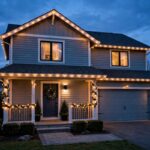

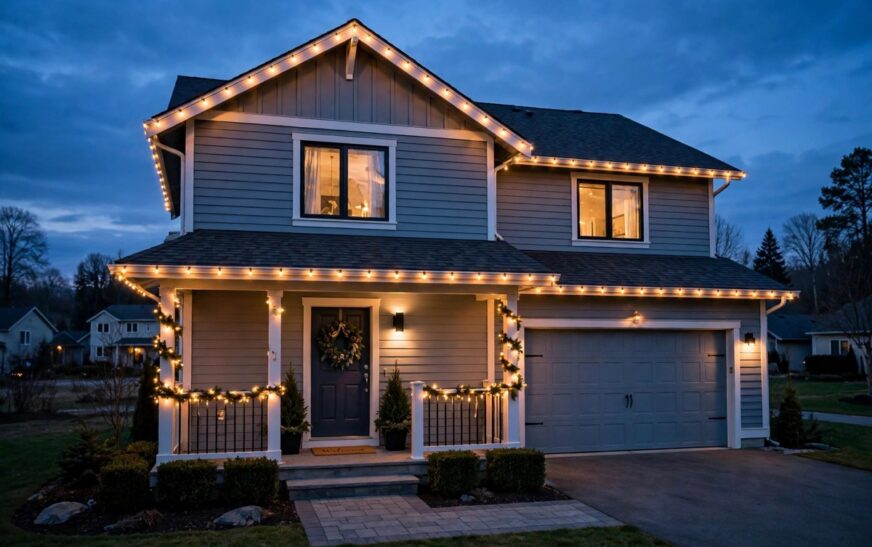
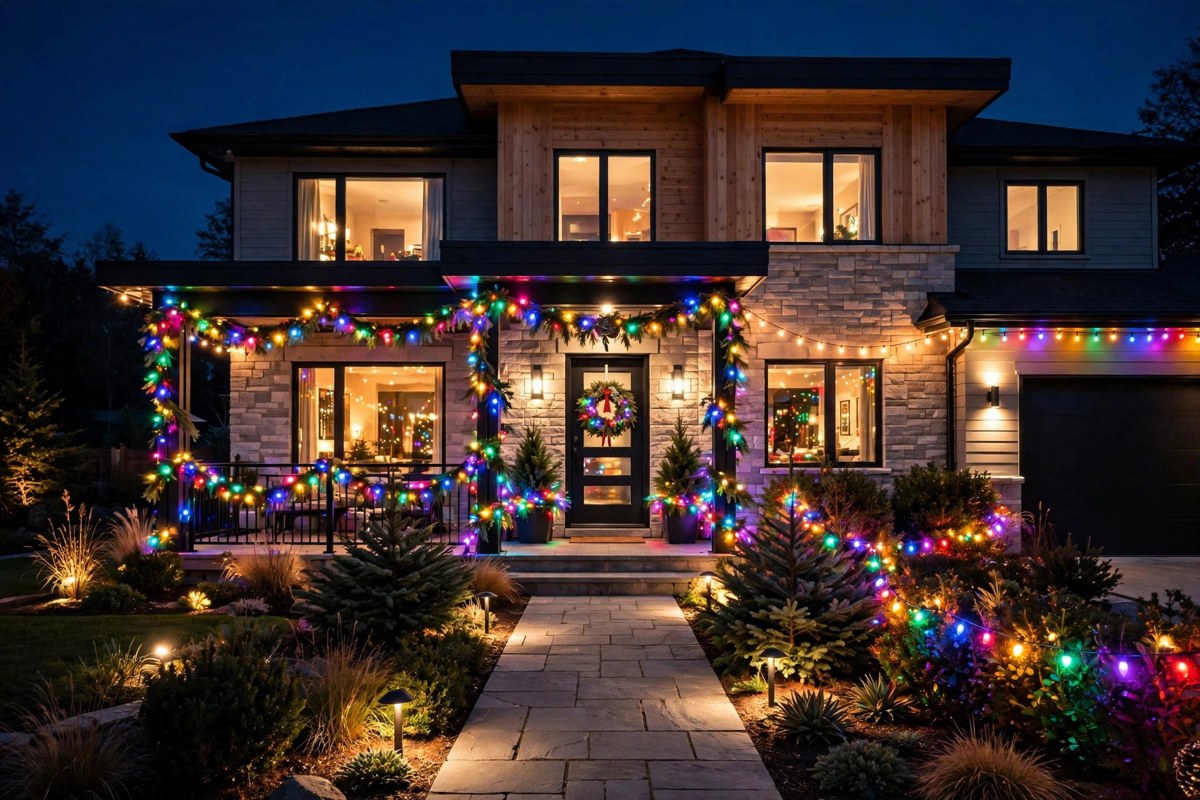
If you love a bright house at Christmas but hate untangling timers, smart outdoor Christmas lights are the simpler way to do it. Instead of separate plug-in timers that drift, reset after a power cut, or need a trip outside in the cold, you set one schedule in an app and the lights follow it every night. This guide shows how to plan the display, choose weatherproof kit, fix weak Wi-Fi at the roofline, and stay safe on a ladder.
Why Smart Outdoor Christmas Lights Beat Plug-In Timers
Old plug-in timers switch lights on at a fixed clock time. That sounds fine until the evenings get darker earlier, the clocks change, or a storm cuts the power and wipes the setting. Smart lights solve all three problems. A sunset routine switches them on as daylight fades, whatever the date. An app schedule can add a switch-off time, a dimmed late-night setting, and different scenes for weekdays and weekends. You can also turn everything off from indoors, which matters on wet or icy nights.
Before you buy, it helps to understand how your wider smart home fits together. If you are choosing between protocols, our guide to Matter vs Thread explained will help you pick lights that stay reliable rather than dropping off the network.
Plan Before You Buy: Measure, Map and Budget
Walk around the house in daylight and note every run you want to light: roofline, porch, windows, fence, and any trees. Measure each run with a tape or a length of string, then add about 10 percent for corners, drops, and slack. Count your outdoor sockets too. One long string fed from a single socket is rarely the best plan, and it is often cheaper and safer to split the display across two shorter runs.
Costs vary a lot by length, brand, and whether you choose string lights or permanent lights. As a typical range, expect a basic smart string set to cost far less than a professionally installed permanent system, which can run into several hundred pounds or dollars depending on house size. Check the current retail price before you order, and budget for clips, extension leads rated for outdoor use, and a weatherproof box if your socket is exposed.
Planning and cost table
| Item | What to allow for | Typical cost note |
|---|---|---|
| Light strings | Measured length plus 10 percent slack | Varies by length and features; check current retail price |
| Clips and hooks | One clip every 30 to 45 cm on a roofline | Low cost, but buy spares |
| Outdoor extension lead | Outdoor rated, correct length, no coiled cable under load | Modest cost; do not use an indoor lead outside |
| Weatherproof socket box | Needed if the socket is not already covered | Low to moderate cost |
| Smart plug or controller | Only if your lights are not smart already | Low cost for a single plug |
String Lights vs Permanent Lights vs Smart Plugs
The right choice depends on how much effort you want each year, and how long you want the display to last.
| Option | Best for | Pros | Cons |
|---|---|---|---|
| Smart string lights | Most homes, seasonal displays | Easy to store, lots of colours and scenes, app schedules | Must be put up and taken down each year |
| Permanent lights | Year-round use, large houses | Fit once, use for Christmas and other events | Higher upfront cost, fixed layout |
| Smart plugs with standard lights | Existing lights you already own | Cheapest upgrade, simple sunset routines | No per-bulb colour control, fewer scenes |
If you already own good standard lights, a smart plug is a sensible first step. If you want colour scenes and individual bulb control, go for true smart strings. Permanent lights make sense only if you will use them beyond Christmas, for example for parties or garden evenings.
Timer-Free Scheduling: Sunset Routines and App Schedules
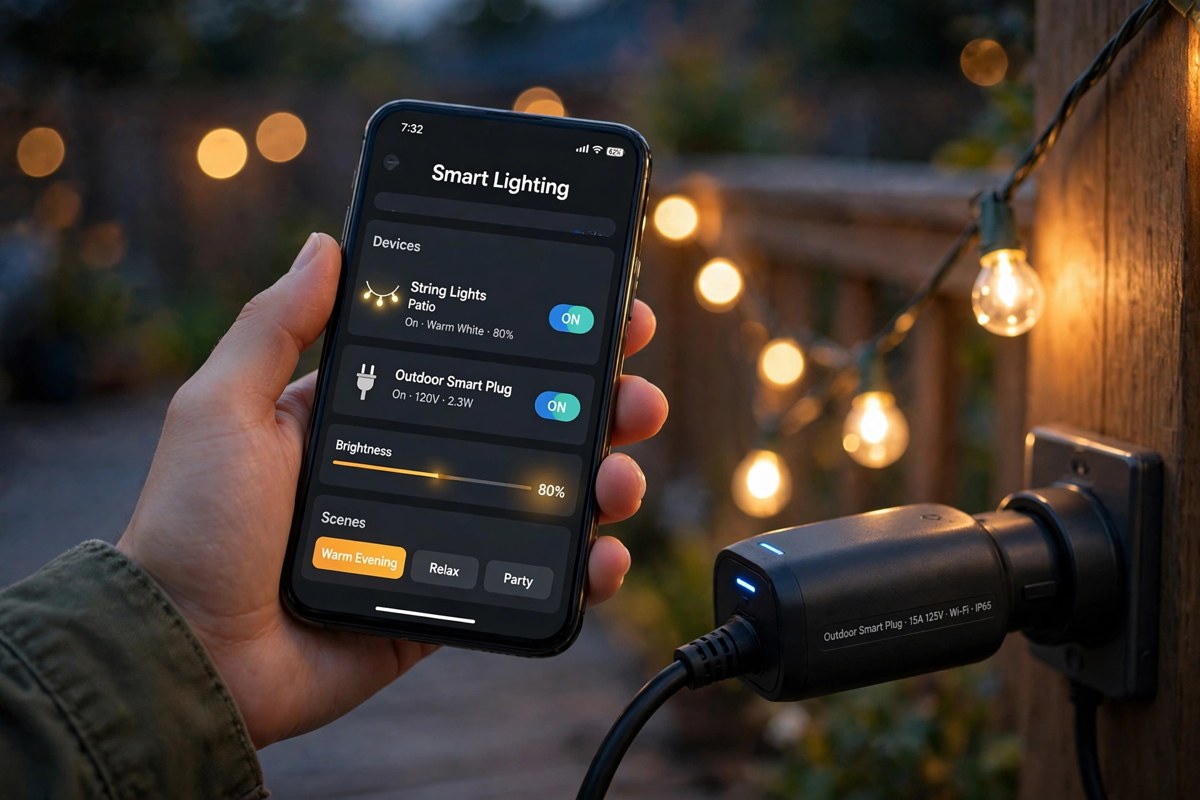
This is the part that removes the timer tangle. In most smart lighting apps, you can create a routine such as “on at sunset, off at 11 pm” and a second routine for late nights, such as “dim to 30 percent from 11 pm to midnight, then off”. Some apps also let you set a different schedule for Friday and Saturday, or switch the display to a warmer white after 10 pm so it is less intrusive for neighbours.
Set the routine once, then test it for two nights before you rely on it. Check that the lights come on at sunset, dim when expected, and switch off at the right time. If your app supports location, make sure the home location is correct, because sunset times depend on it. Avoid stacking three timers at once, for example an app routine plus a plug timer plus a physical timer, because they will fight each other and one will win at random.
UK and US Power and IP Weatherproofing Ratings Explained
Outdoor lights must be rated for outdoor use, but the labels differ between the UK and the US. In the UK, look for the IP rating on the box. The first digit is dust protection and the second is water protection. IP44 is the usual minimum for sheltered outdoor use, while IP65 or higher is a safer choice for exposed rooflines and gardens that face driving rain. The transformer and plug must also be outdoor rated or kept inside a weatherproof box. Never run an indoor transformer outside in the rain.
In the US, look for UL listing for wet locations and a similar outdoor rating on the packaging. Voltage also differs: UK mains is 230V and US mains is 120V, so buy lights made for your country and never adapt a foreign set with a simple travel plug. Check the maximum connectable length on the box as well. Joining too many strings end to end can overload the transformer and shorten the life of the lights.
For a detailed walkthrough of fitting a permanent system, the Govee permanent outdoor lights installation guide is a useful external reference for mounting, spacing, and power planning.
Wi-Fi Dropout Fixes at the Roofline
Wi-Fi often struggles at the roofline because the signal must pass through brick, insulation, and sometimes a metal gutter. If your lights respond slowly or drop offline at night, try these fixes in order. First, move your router closer to the front of the house if you can, or add a Wi-Fi extender in a room near the display. Second, check whether your lights support a mesh protocol such as Thread or Zigbee, which can be more reliable outdoors than Wi-Fi alone. Third, keep the controller or smart plug sheltered but not inside a sealed metal box, which blocks signal.
Also keep your home network secure, because outdoor devices sit at the edge of your network. Our guide on whether smart home devices can be hacked explains the basic steps: strong passwords, two-factor authentication where offered, and regular firmware updates.
Safety: RCD Protection and Ladder Safety
Outdoor electrics need residual current device (RCD) protection, which cuts power quickly if there is a fault. In the UK, most modern consumer units already include RCD protection for outdoor sockets, but check before you start. If you are unsure, ask a qualified electrician rather than guessing. Never bypass a tripping RCD by removing it or swapping in a non-protected lead, because a trip is a warning, not an inconvenience.
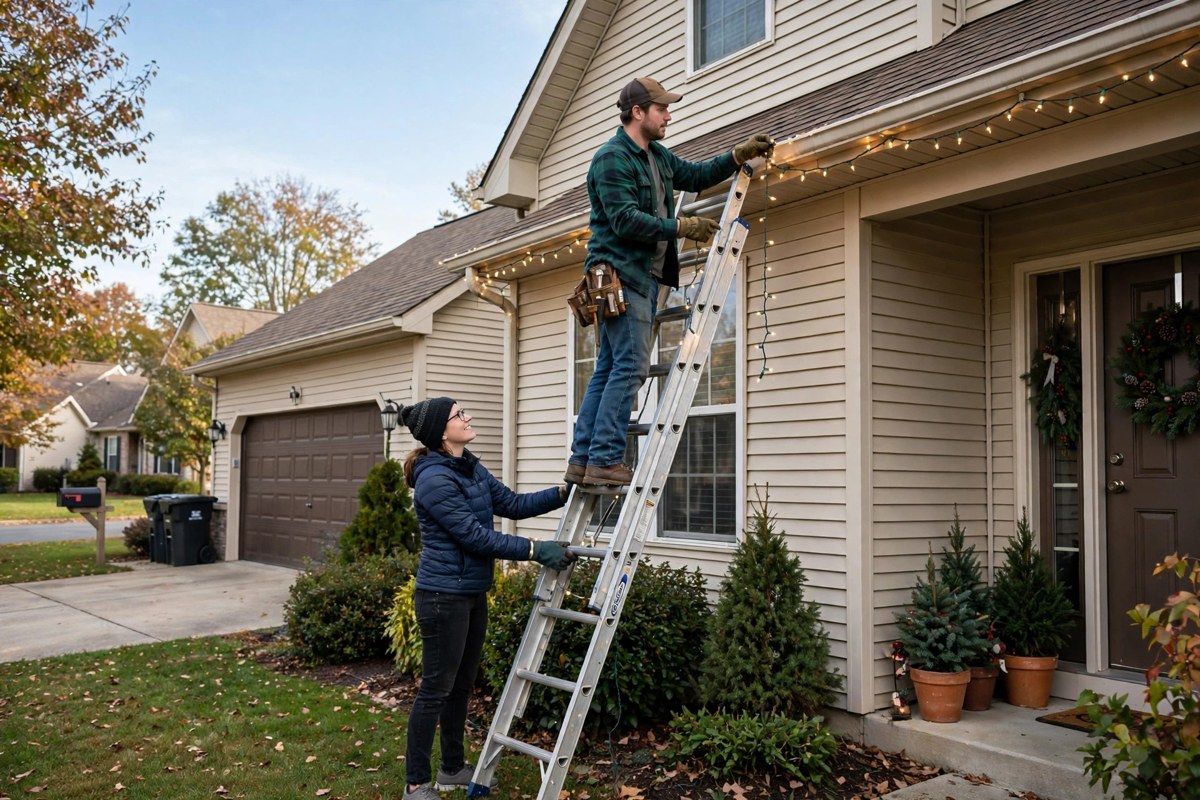
Ladder safety matters just as much. Use a stable ladder on firm, level ground, keep three points of contact, and never lean sideways to reach a clip. Work with a second person holding the ladder if you can, and do the job in daylight, not in wind, rain, or ice. Put lights up in sections, carry only what you need, and use a tool belt or bucket rather than holding clips in your mouth or hands. If the roofline is high or hard to reach, hiring a professional is cheaper than a fall.
Setup Steps in Order
Test every string indoors first, then lay out the runs on the ground and label them. Fit clips along the roofline before you hang any lights. Hang the highest run first and work downwards, keeping cables tidy and away from gutters that overflow. Connect the controller and transformer in a sheltered spot, set your sunset routine, and test the full display at dusk. Finally, take a photo of the finished layout and the app settings, so next year you can repeat the setup without guessing.
Smart lighting pairs well with other outdoor upgrades. If you are also thinking about security, compare systems in our Eufy vs Ring security camera comparison, and if you want keyless entry for guests over the holidays, see our Yale vs Schlage vs August smart locks guide.
Conclusion
Smart outdoor Christmas lights earn their keep by removing the nightly timer routine. Plan the layout, choose properly rated outdoor kit, set one sunset routine, and fix Wi-Fi weak spots before the display goes up. Done that way, you get a display that switches itself on at dusk, dims politely late at night, and switches off without you stepping outside in the cold.
Frequently Asked Questions
Do smart outdoor Christmas lights need Wi-Fi all the time?
Most need Wi-Fi or a hub connection for app control and schedule changes, but many keep running their last schedule if the connection drops briefly. A mesh extender near the front of the house usually fixes repeated dropouts.
What IP rating should outdoor Christmas lights have?
IP44 is the usual minimum for sheltered spots, while IP65 or higher is safer for exposed rooflines. The transformer and plug must also be outdoor rated or protected in a weatherproof box.
Can I leave smart outdoor Christmas lights on all night?
You can, but a sunset-to-11 pm routine with a dimmed late phase is kinder to neighbours, uses less energy, and extends bulb life. Set the off time in the app rather than relying on a plug timer.
Are permanent outdoor lights worth it for Christmas only?
For Christmas only, smart string lights are usually better value. Permanent lights are worth the higher upfront cost if you will also use them for parties, garden evenings, and other events through the year.
Why do my smart outdoor Christmas lights keep going offline?
The usual causes are weak Wi-Fi at the roofline, a controller inside a metal box, or too many strings joined together. Move the signal source closer, shelter the controller without sealing it in metal, and check the maximum connectable length.