
The best smart home devices for renters share one quality: they improve your home without changing it. No drilling, no rewiring, no awkward conversation with your landlord about holes in the wall. The right picks plug in, stick on, or sit on a shelf, and they pack into a box when your lease ends.
That is the test we applied here. If it needs a screwdriver in a wall or a change to your wiring, it did not make the main list. What remains is a practical starter kit for a flat, a studio, or a shared house, plus the mistakes that cost renters their deposit.
The 9 Best Smart Home Devices for Renters at a Glance
Start small. Two or three devices you use every day beat a full system you never open. The table gives the quick view, and the sections that follow explain who each device suits and how to remove it cleanly.
| Device | How it installs | Portable when you move | Typical cost range |
|---|---|---|---|
| Smart plug | Plug into a socket | Yes | Low |
| Smart bulb | Screw into a lamp | Yes, keep the old bulb | Low |
| Smart speaker | Sit on a shelf and plug in | Yes | Low to medium |
| Door and window sensors | Peel and stick adhesive | Yes, with care | Low to medium |
| Portable indoor camera | Stand on a shelf | Yes | Medium |
| Over-deadbolt smart lock | Fits over the inside lock | Yes, if your landlord agrees | Medium to high |
| Smart power strip | Plug into a socket | Yes | Low to medium |
| Leak detector | Place on the floor, battery powered | Yes | Low |
| Robot vacuum | Charge from a dock, no install | Yes | Medium to high |
Prices move often, so treat the ranges above as a rough guide only. Always confirm the current price and any subscription cost on the maker site before you buy. A cheap device with a compulsory monthly plan can cost more over two years than a pricier device with no plan.
1. Smart Plug: The Easiest First Buy
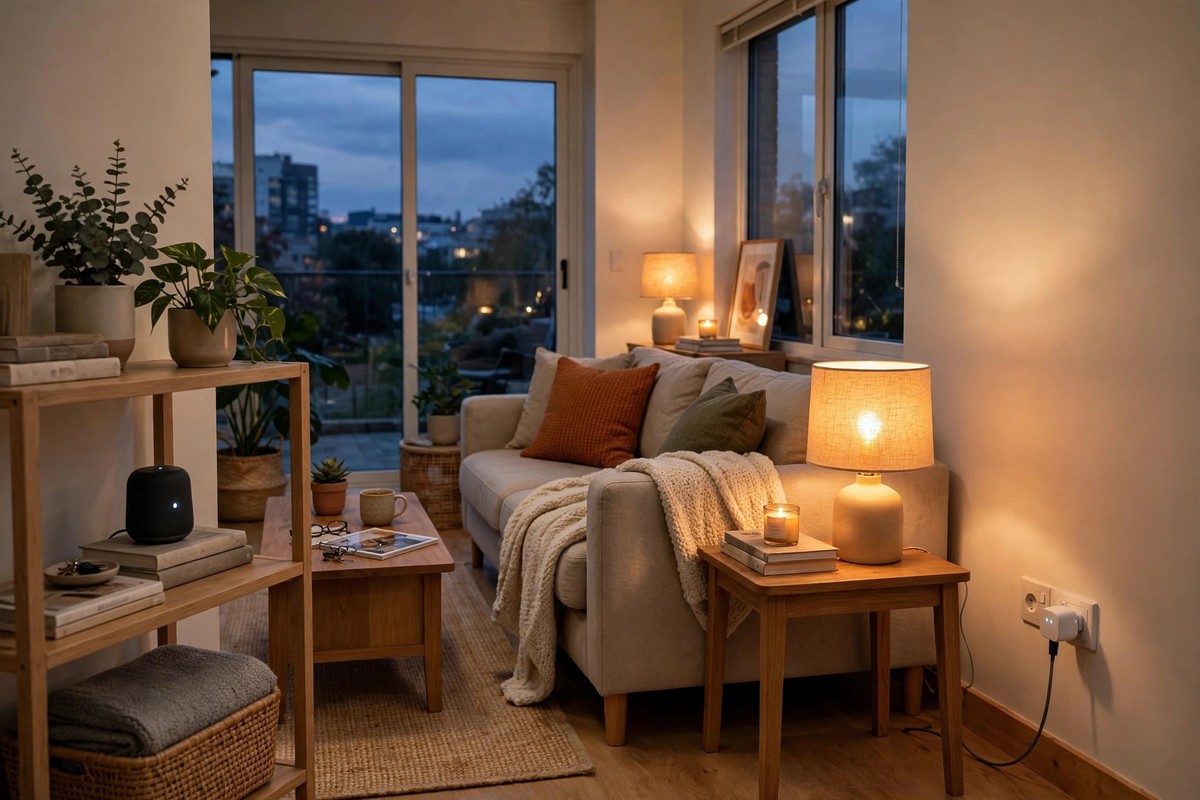
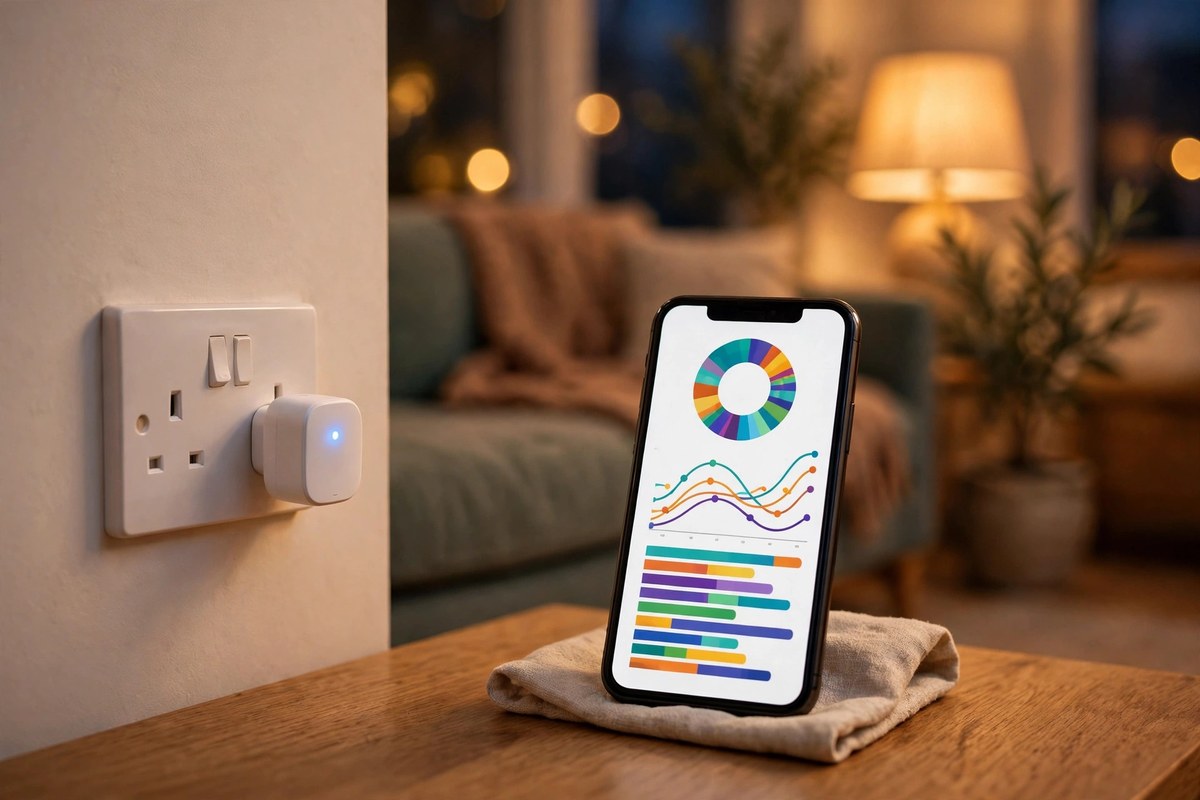
A smart plug turns an ordinary lamp, fan, or coffee maker into a device you can switch from your phone or with your voice. You plug it into a normal socket, plug your appliance into it, and you are done. There is no wiring, no app maze, and nothing to repair when you leave.
Use plugs for the lights you actually use. A lamp on a schedule makes a flat look lived in when you are out. Check the power rating first, and do not use a standard plug with a high wattage heater unless the maker clearly rates it for that job. Keep the box, so the plug is easy to reset and pack later.
2. Smart Bulb: Instant Light Without New Wiring
Smart bulbs screw into the lamps you already own, which makes them perfect for rented homes. You can dim the light, warm it in the evening, and set a gentle brightening alarm in the morning, all without touching a light switch or a wire.
Keep the original bulbs in a labelled bag. When you move out, swap them back and take your smart bulbs with you. Choose bulbs that work with the assistant or hub you already use, rather than adding yet another app.
3. Smart Speaker: Your Control Centre on a Shelf
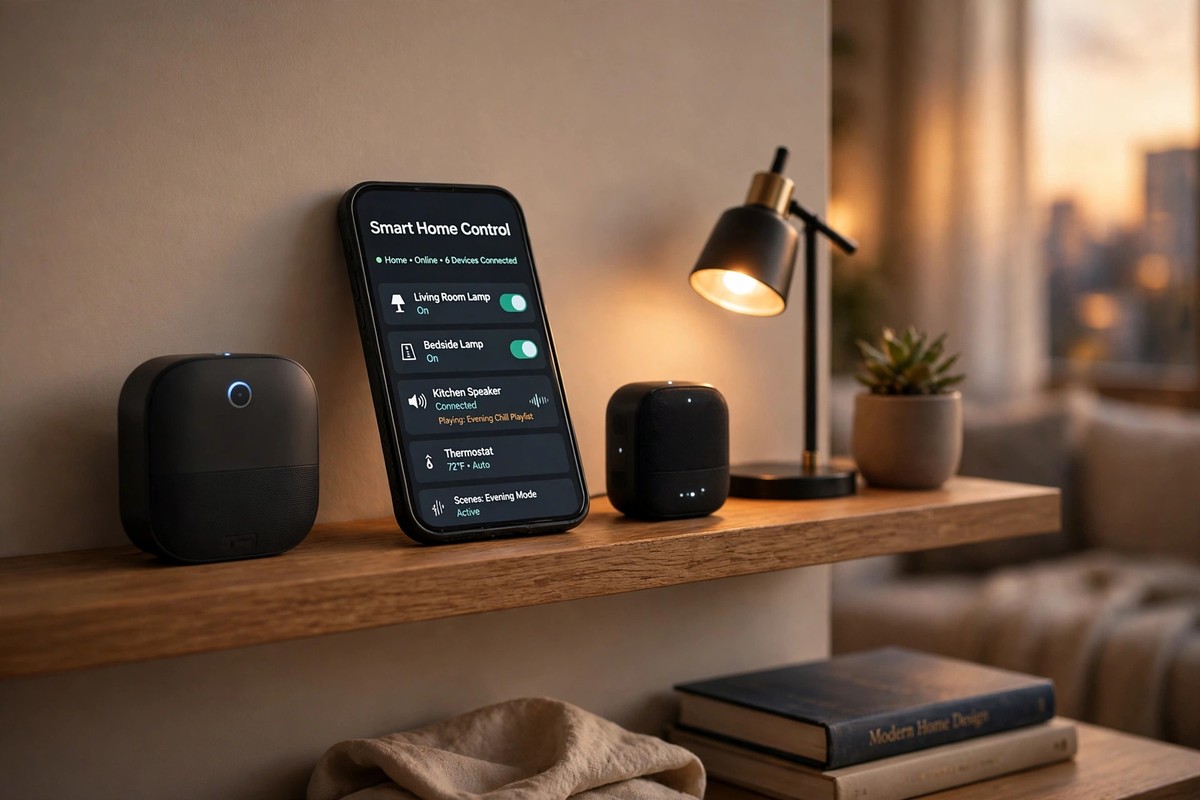
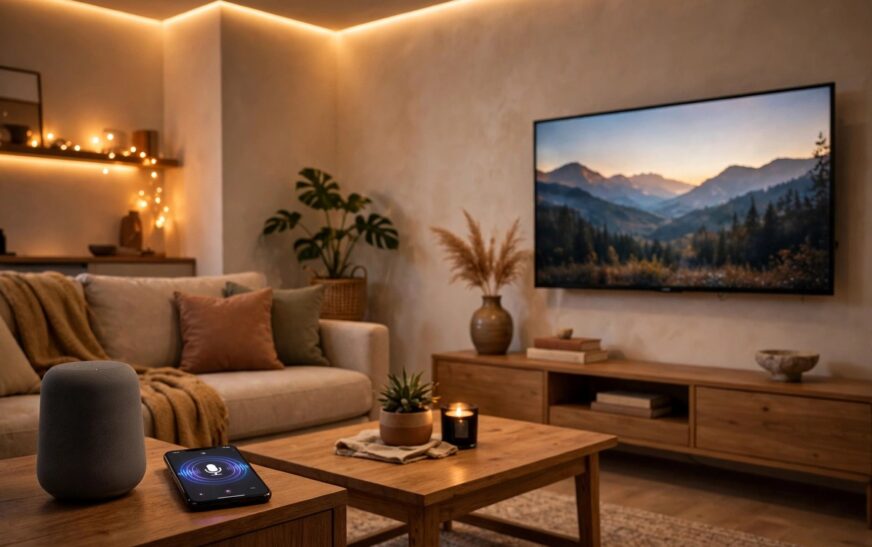
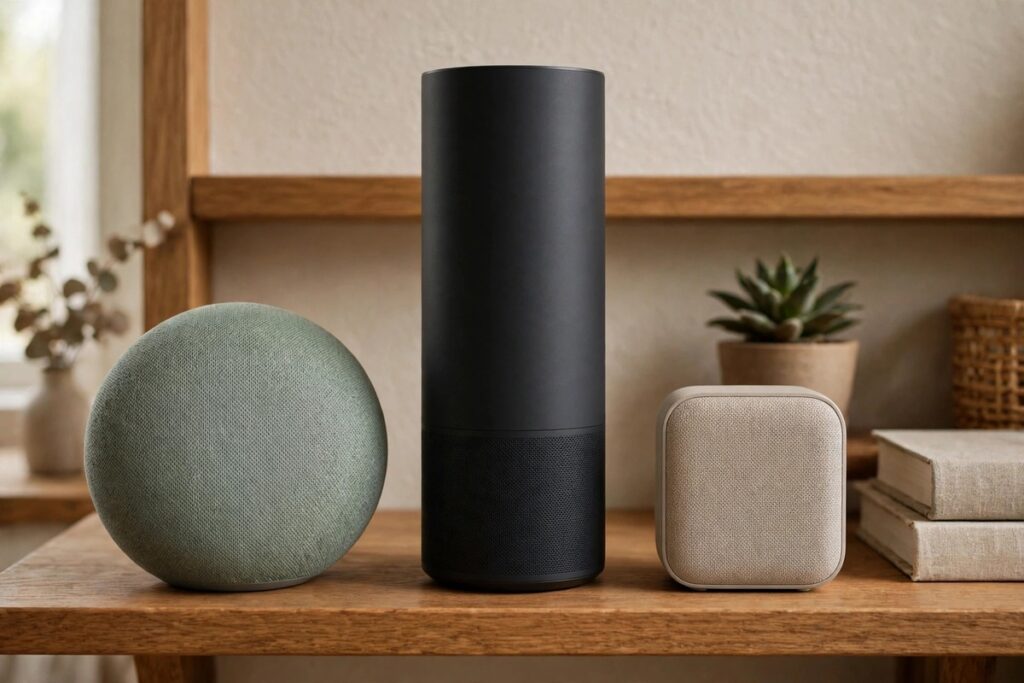
A smart speaker is the simplest control centre for a rental. Put it in a central room, plug it in, and use it to control your bulbs and plugs, set timers, and play music. You do not need a hub to start, and you can move the speaker from room to room as your routine changes.
Privacy still matters, even in a rental. Review the microphone and voice history settings when you set the speaker up, mute the microphone when you want quiet, and remove your account before you sell it or hand it on. If you share a flat, agree where speakers will sit, so no one feels recorded in a shared space.
4. Door and Window Sensors: Quiet Security With No Holes
Small stick-on sensors tell you when a door or window opens, and they are one of the best value security buys for renters. They use adhesive, run on batteries, and pair with an app or a small alarm kit. They are also easy to explain to a landlord, because nothing is drilled and nothing is wired.
Test the adhesive on a small, hidden patch first, especially on painted wood or older frames. When you move, peel slowly and clean the surface before your final inspection. Photograph each sensor location on the day you install it, so you have proof of the original condition.
5. Portable Indoor Camera: Security You Can Put Away
A portable indoor camera sits on a shelf and needs only power and Wi-Fi. It is far safer for renters than a hardwired camera or a drilled video doorbell, and you can point it at an entrance while you are away, then put it away when you are home.
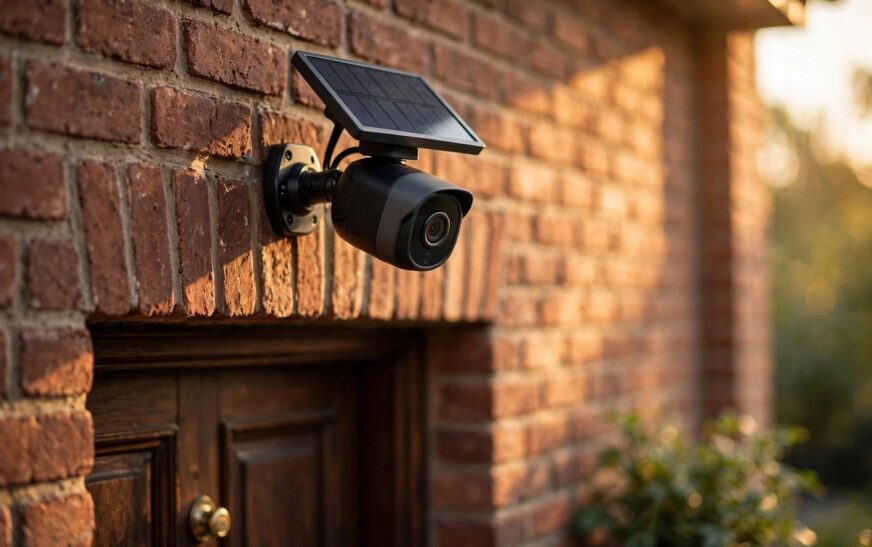
Think about placement and privacy before you buy. Avoid bedrooms and bathrooms, keep audio off unless you genuinely need it, and tell housemates and guests where a camera is active. If you want outdoor cover without a subscription, read our guide to the best outdoor security camera without a subscription. For a direct comparison of two popular systems, see our Eufy versus Ring security camera comparison.
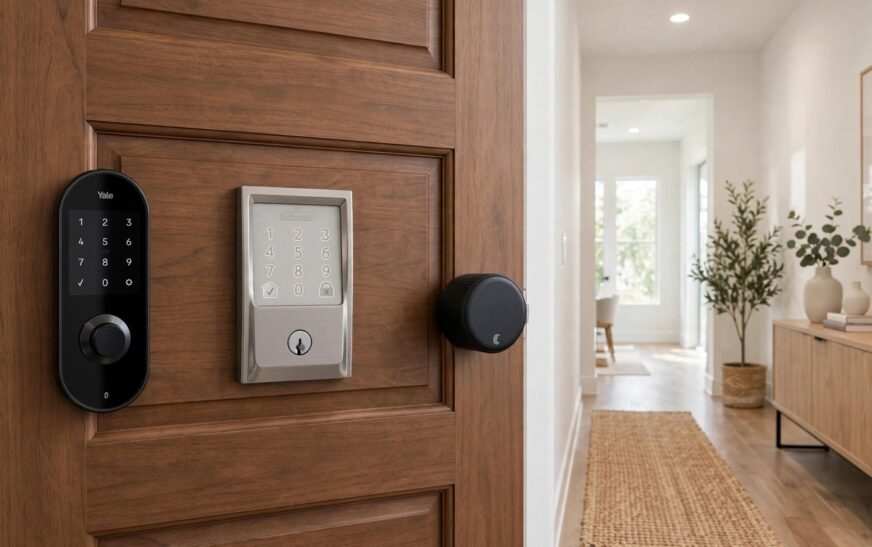
6. Over-Deadbolt Smart Lock: Only With Permission
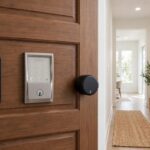
Some smart locks fit over the existing deadbolt inside your door, leaving the outside and the original key unchanged. That sounds renter friendly, but this is the one device here where you should ask first, even if no drilling is involved.
Your lease may cover locks, keys, and emergency access, and your landlord may need a working key at all times. Ask in writing, explain that the outside lock stays the same, and keep every original part. Never change a lock in a way that stops your landlord or a housemate from getting in. If permission is refused, stick with sensors and a portable camera instead.
7. Smart Power Strip: Cut Standby Waste in One Move
A smart power strip controls several sockets at once from one app or voice command. It is ideal for a TV corner or a home office desk, where a television, a console, and chargers all draw standby power even when they look switched off.
Choose a strip with surge protection, check the total load rating, and do not daisy chain strips together. Set a simple overnight routine that switches off the entertainment gear. Like a smart plug, it unplugs in seconds when you move.
8. Leak Detector: The Small Device That Saves a Deposit
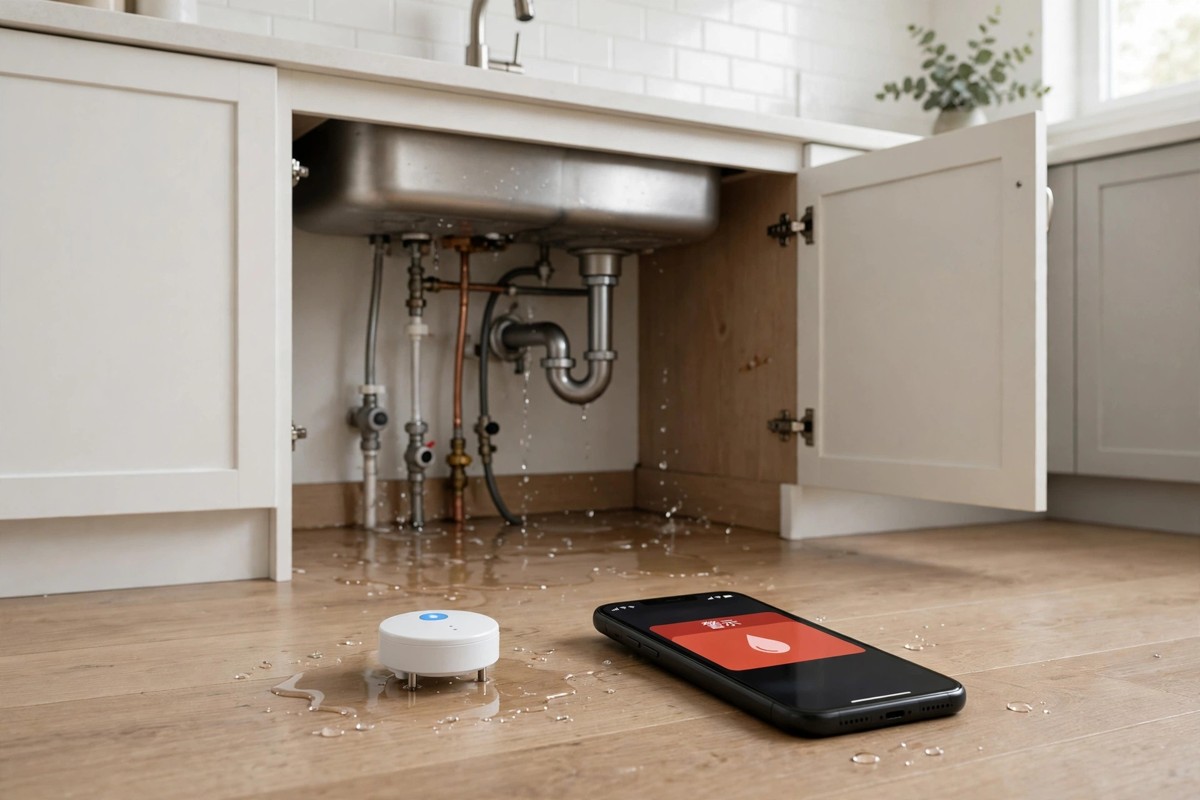
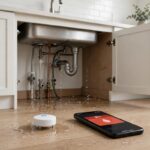
A battery powered leak detector sits on the floor under a sink, beside a washing machine, or near a water heater, and sends an alert to your phone the moment it senses water. In a rental, that early warning protects you twice: it limits damage to your belongings, and it gives you proof that you reported a leak promptly.
Competitors often skip this device, yet it matters more than another coloured bulb. A slow leak can ruin flooring and spark a dispute about who should have noticed it. Tell your landlord in writing if it ever alerts, and keep a note of the date.
9. Robot Vacuum: No Install, Real Time Back
A robot vacuum needs no installation at all. Charge the dock, clear cables and small items from the floor, and let it run on a schedule while you are out. For renters with pets, long commutes, or hard floors that show every crumb, it is often the device that gets used most.
Check clearance under your furniture and whether it can handle steps between rooms, and empty the bin regularly. A mid range model with a simple app is usually a better rental buy than a premium model tied to a home you may leave in a year.
What the Best Smart Home Devices for Renters Get Wrong Elsewhere
Most rival guides repeat the same short list of plugs, bulbs, and speakers, then stop. They rarely explain which devices need landlord permission, what to do on shared Wi-Fi, or how to leave a flat in its original state. That is where renters lose money, not on the purchase, but on the move out inspection.
Three gaps stood out in the top results. First, few guides give a room by room starting order, so readers buy devices for rooms they barely use. Second, few warn that thermostats, hardwired doorbells, and replacement light switches are wired jobs that belong to the landlord, not the tenant. Third, none gives a proper move out checklist for resetting devices, removing accounts, and restoring original bulbs, locks, and sensors. This guide covers all three.
Shared Wi-Fi, Matter, and Making Devices Work Together
Many renters share Wi-Fi with housemates or use a building network. Wi-Fi bulbs and plugs are the easiest start, but too many Wi-Fi devices on a weak router can slow everything down. Add devices slowly, keep your router central, and avoid a second hub until you know you need one.
When you expand, look for devices that support Matter, the industry standard that helps products from different brands work together. The Connectivity Standards Alliance Matter page explains how it aims to make devices work reliably across platforms. Our Matter versus Thread explainer shows why Thread can help where Wi-Fi coverage is patchy. One clear system now saves you from juggling five apps later.
Security basics still apply on any network. Use a strong, unique password for each account, turn on two factor authentication where offered, and keep firmware updated. Our guide to whether smart home devices can be hacked explains the most common attack routes, which usually start with a reused password.
What to Avoid in a Rental
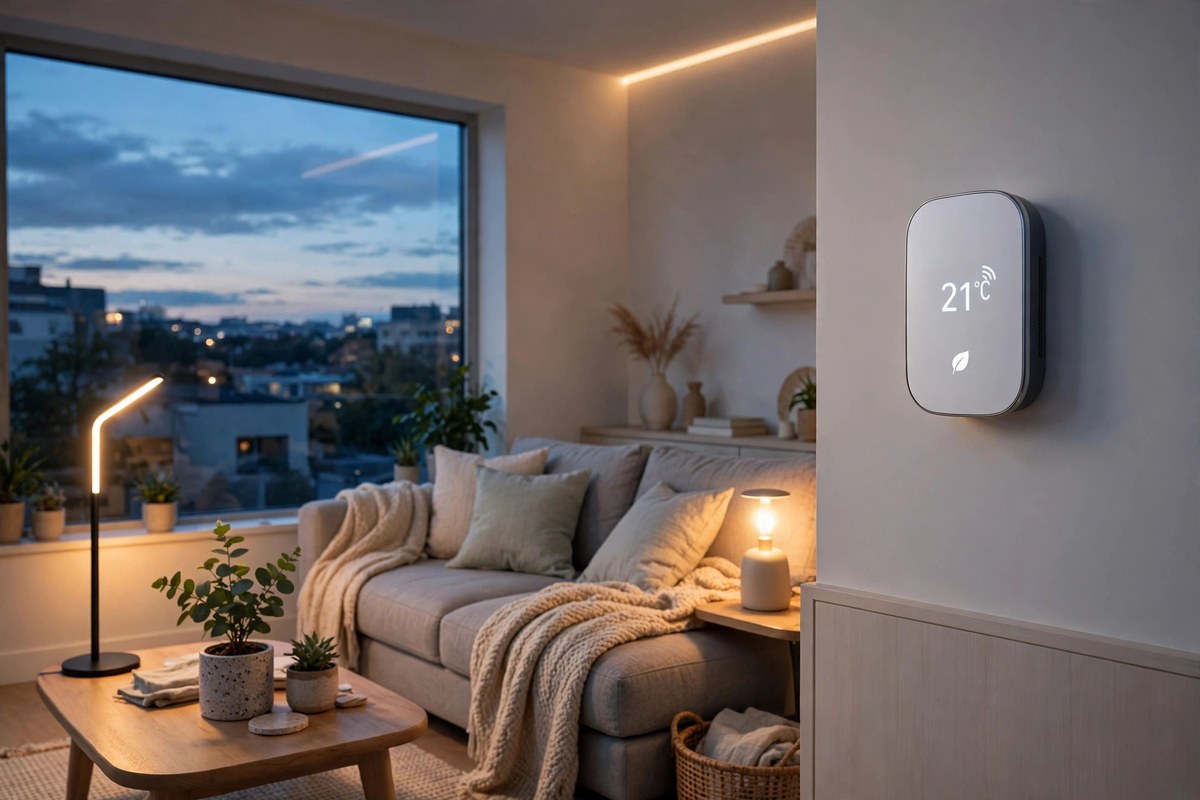
Do not replace light switches, change wiring, swap a wired thermostat, or install a hardwired doorbell without written landlord permission. Even a neat job can breach your lease, void insurance, or create a safety problem if the next tenant assumes the work was done by a professional. If a device needs that kind of change, look for a plug-in or battery version first.
Also avoid buying a whole kit before you know what you use. A large alarm kit and a full set of coloured bulbs in one order locks you into one brand and one monthly plan. Buy one plug and one bulb, live with them for a week, then add the next device for a real need.
Landlord Script and Move Out Checklist
If you need permission, keep the ask short and specific. Try this: “I would like to fit a smart lock that sits over the inside deadbolt only. The outside lock and key stay unchanged, no drilling is needed, and I will restore the original parts before I move out. May I go ahead?” A written yes protects you at inspection time. A vague verbal yes does not.
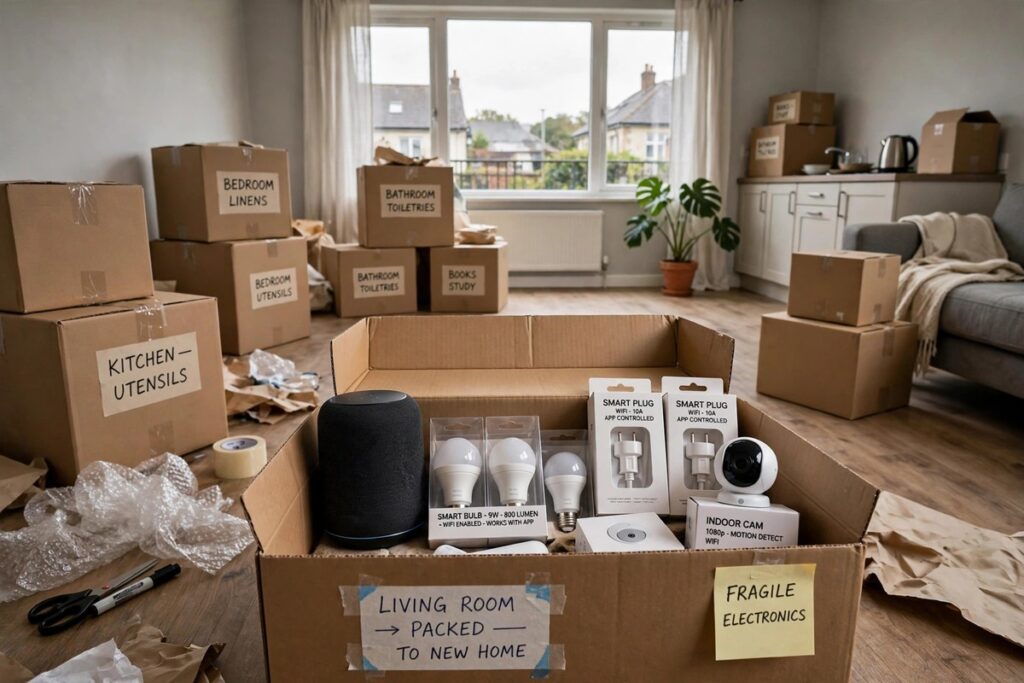
When you move, reset every device and remove your account. Swap smart bulbs back to the originals, remove sensors slowly, clean any adhesive marks, and restore the original lock parts. Pack boxes, instructions, and spare parts together, and photograph each room after removal. That one hour of care often decides whether you get your full deposit back.
Conclusion: The Best Smart Home Devices for Renters in 2026
The best smart home devices for renters are the ones you barely notice installing and never regret removing. Start with a smart plug and a smart bulb, add a speaker and door sensors for control and security, and only then consider a camera, a lock with permission, or a robot vacuum for daily convenience. Add a leak detector early, because it protects your deposit as well as your home.
Keep the rules simple: nothing drilled, nothing wired, nothing you cannot take with you, and nothing changed without written permission where the lease requires it. Confirm prices and subscription costs on the maker site, and your rented home can feel smart and safe, without a single landlord drama.
Frequently Asked Questions
What are the best smart home devices for renters to buy first?
Start with a smart plug and a smart bulb. They cost the least, install in minutes, need no permission, and show whether you enjoy app and voice control. Add a speaker next for one control point, then door sensors if security is your priority.
Do renters need landlord permission for smart home devices?
Plug-in, battery powered, and stick-on devices normally need no permission, but check your lease first, since some buildings restrict cameras in shared areas. Locks, wired thermostats, replacement switches, and hardwired doorbells are different: ask in writing first.
Can I take my smart home devices with me when I move?
Yes, if you chose portable devices. Plugs, bulbs, speakers, sensors, cameras, power strips, leak detectors, and robot vacuums all move with you. Reset each device, remove your account, and pack the original parts and instructions.
Will smart home devices work on shared or weak Wi-Fi?
Most Wi-Fi devices work on shared Wi-Fi, but a weak router can cause delays. Add devices one at a time, keep the router central, and consider Matter and Thread devices if coverage is patchy.
Are smart home devices for renters worth it for a short lease?
Yes, if you stick to portable picks. A plug, a bulb, and a speaker pay for themselves in daily convenience within weeks, and they move to your next home free. Avoid wired installs, large kits, and long subscriptions on a short lease.